Product Tabsocex_producttab
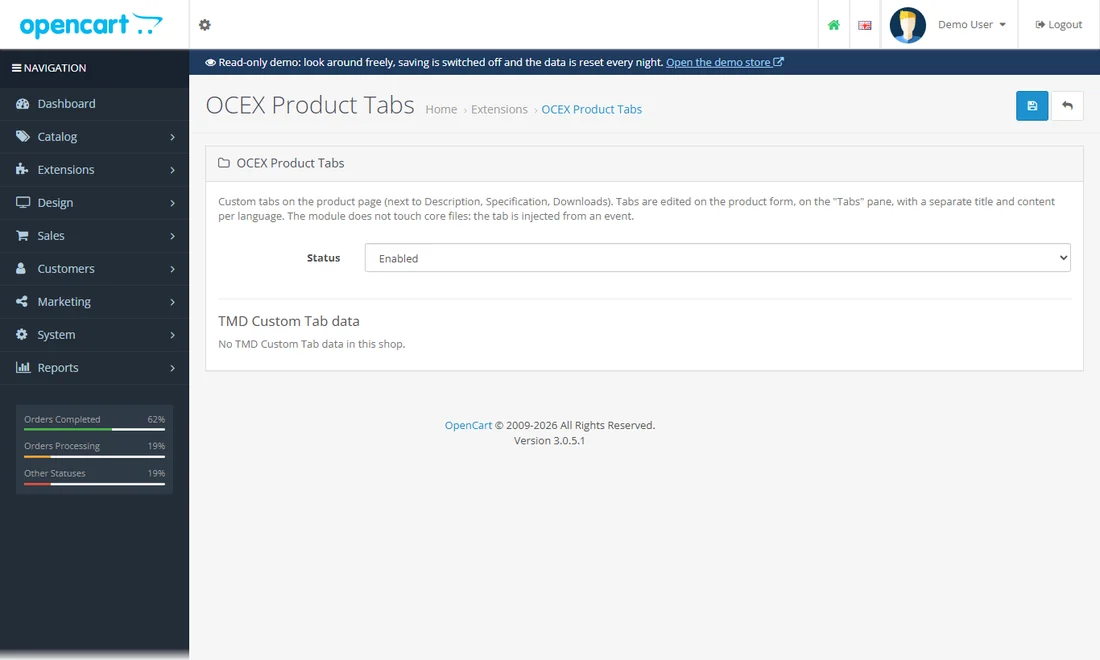
Extra tabs on the product page with your own content, set per product.
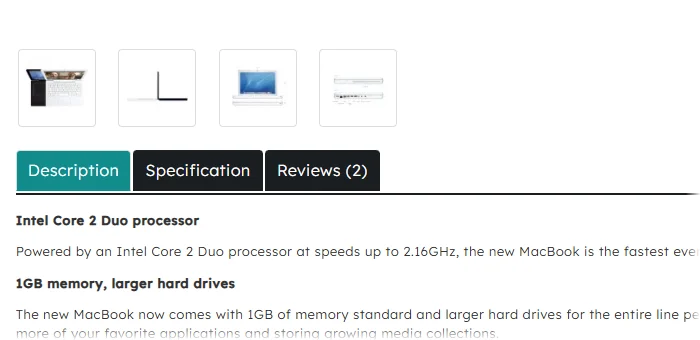
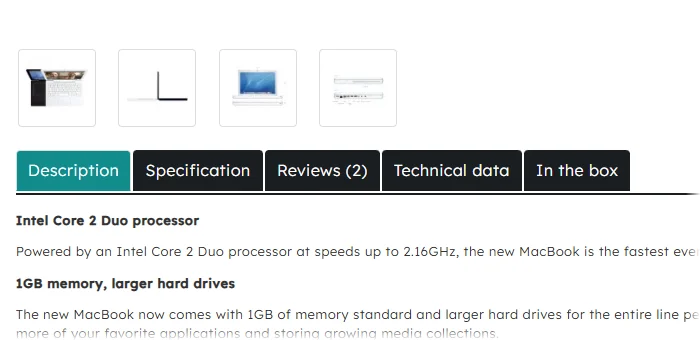
See it
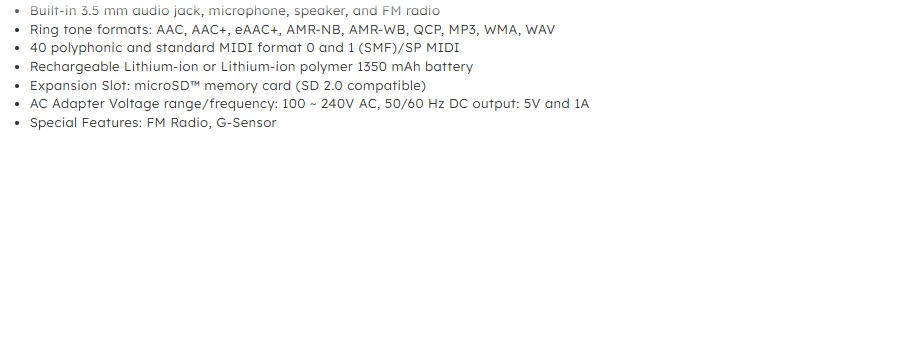
- MacBook: the tabs "Technical data" and "In the box"
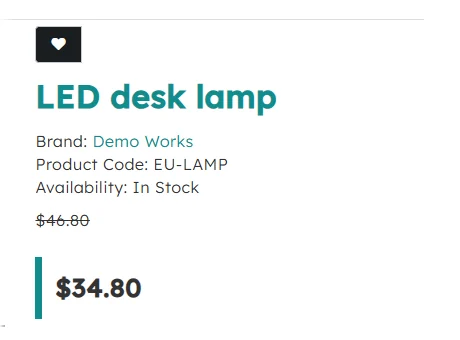
- LED desk lamp: a "Sample video" tab (the player loads on click)

50 modules for OpenCart 3, all running on this shop at the same time. The guide groups them by what they do: what each module does for the shop, where you see it on the storefront, how to try it and where its settings are.
You are in the storefront right now. Every link below opens a real page of this shop.
Sign in as the demo customer (My account → Login): demo@example.com / demo. The account has orders, an address and a wish list. You can also register or check out as a guest – nothing is charged and no e-mail leaves the demo.
Open the admin – user demo, password demo. The account is read-only: you can open every page of every module and read all its settings, saving is switched off.
The Admin links below log you in and take you straight to that page.
See it: storefront pages where the effect is visible. Try it: steps for the effects that need a click. Admin: the module's settings and the other admin pages it extends.
The demo is stock OpenCart 3.0.5.1 with the default theme, and it is reset every night.
Products and catalogueHome page and layoutSearch, SEO and speedCheckout and ordersCustomers and B2BProtection and complianceAdmin tools
What shoppers see on category and product pages.
Extra tabs on the product page with your own content, set per product.
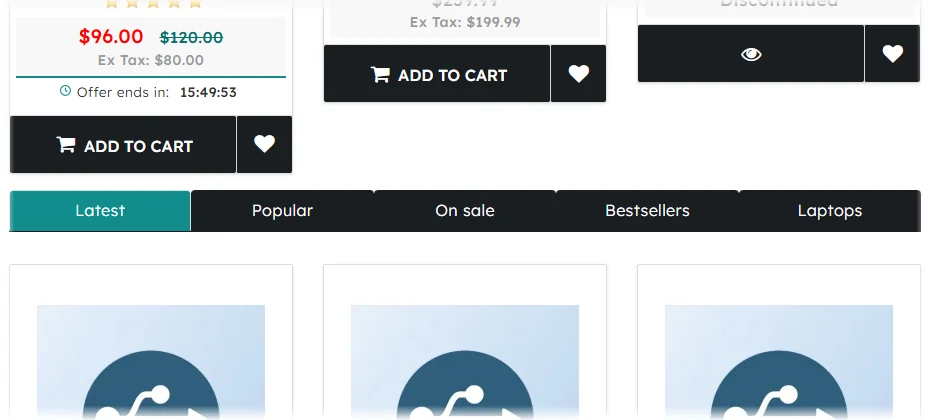
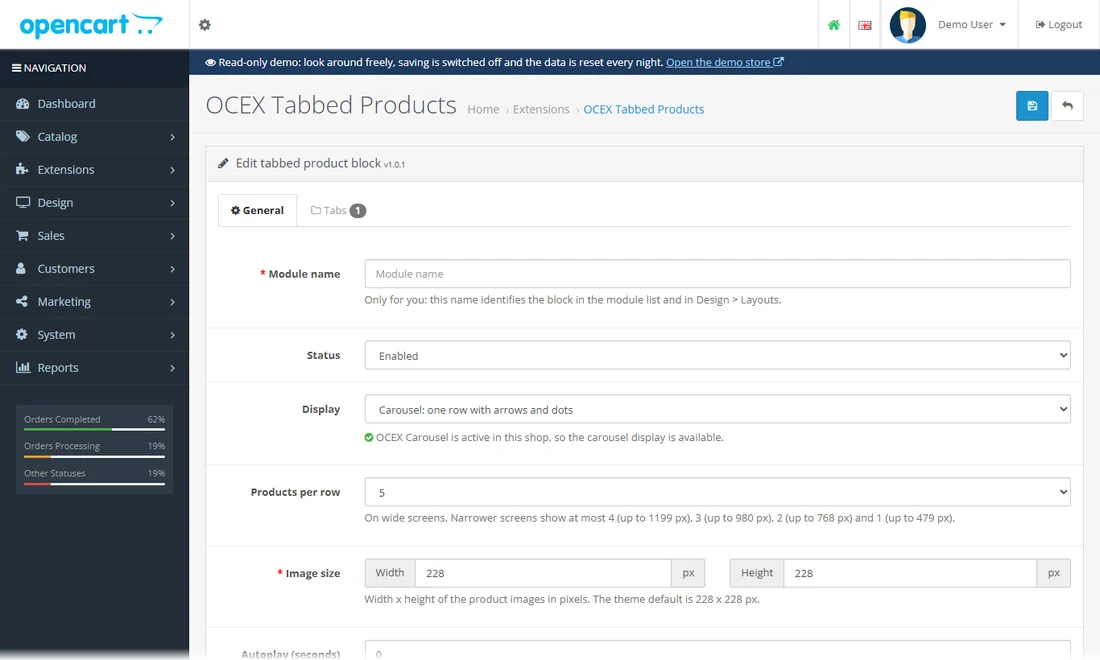
One box with several tabs of products (featured, latest, bestsellers, a category ...); place it as often as you like.
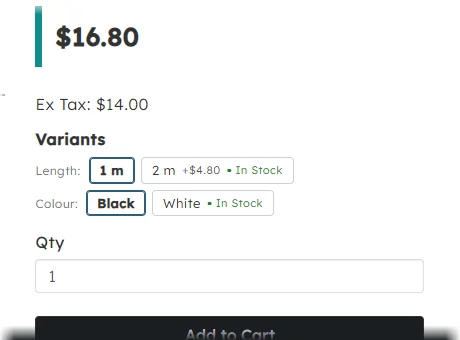
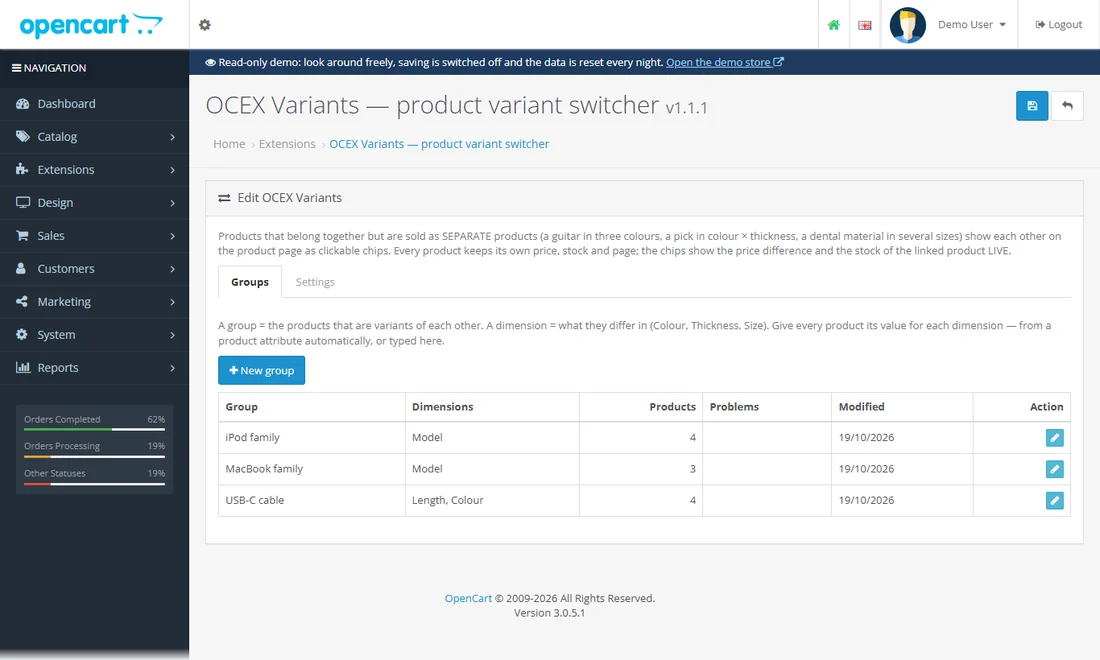
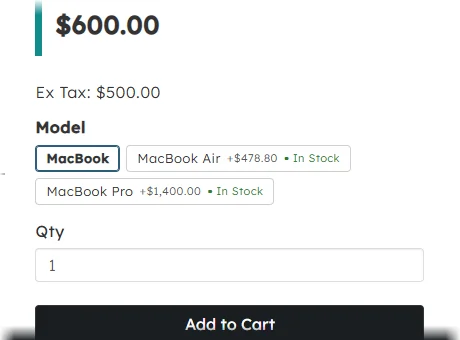
Colour, size or model chips on the product page that jump between products which belong together.
Open the USB-C cable and click another length or colour: you land on that cable's own product page, with its own price and stock.
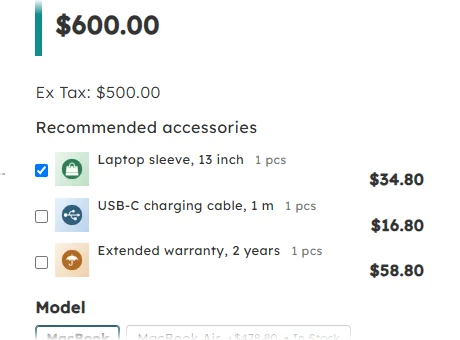
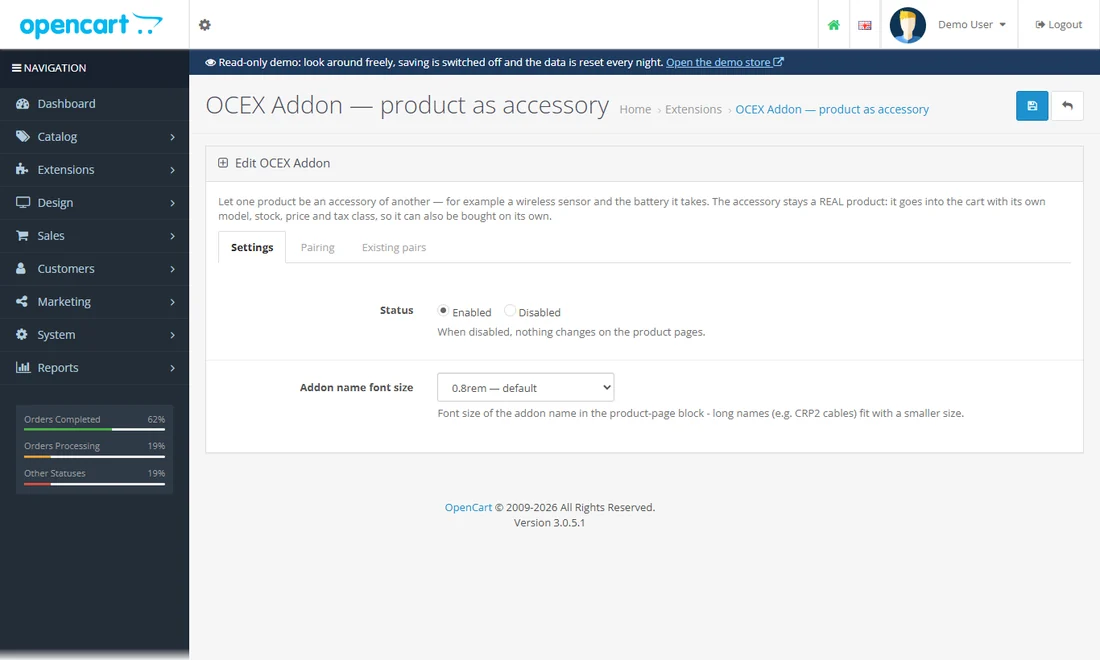
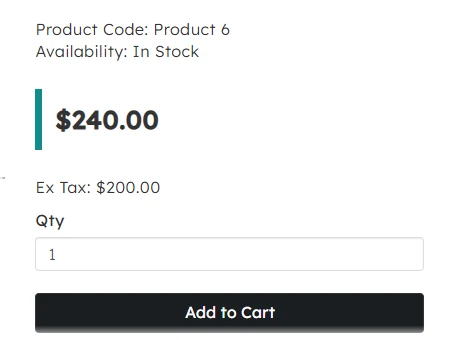
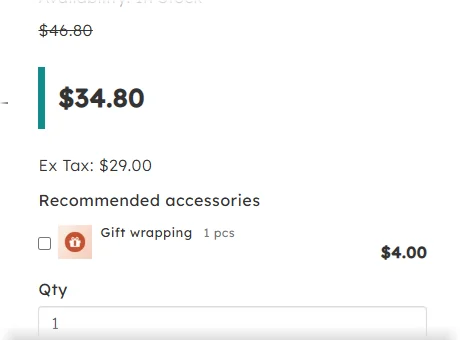
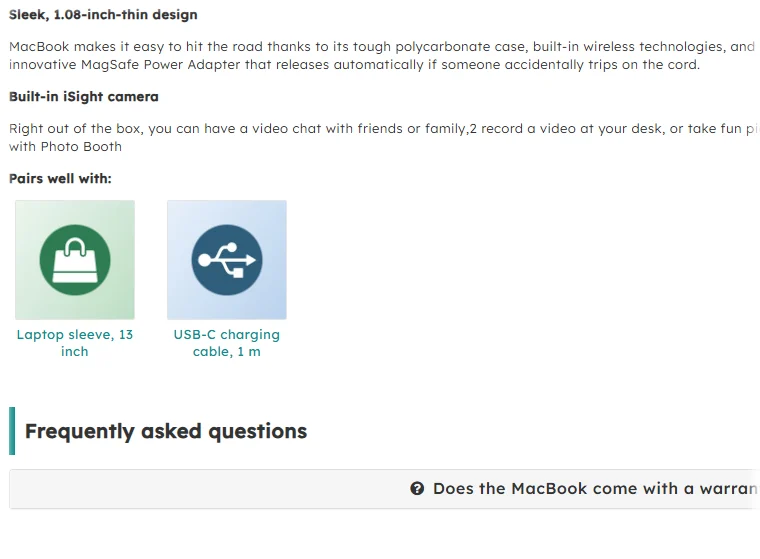
Offer an accessory right on the product page; it goes into the cart as its own line with its own price and stock.
Tick an accessory, press Add to cart and open the cart: the accessory is a separate line with its own price.
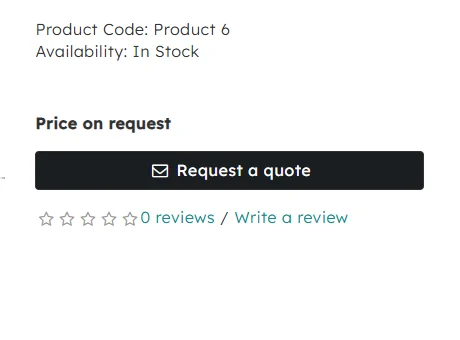
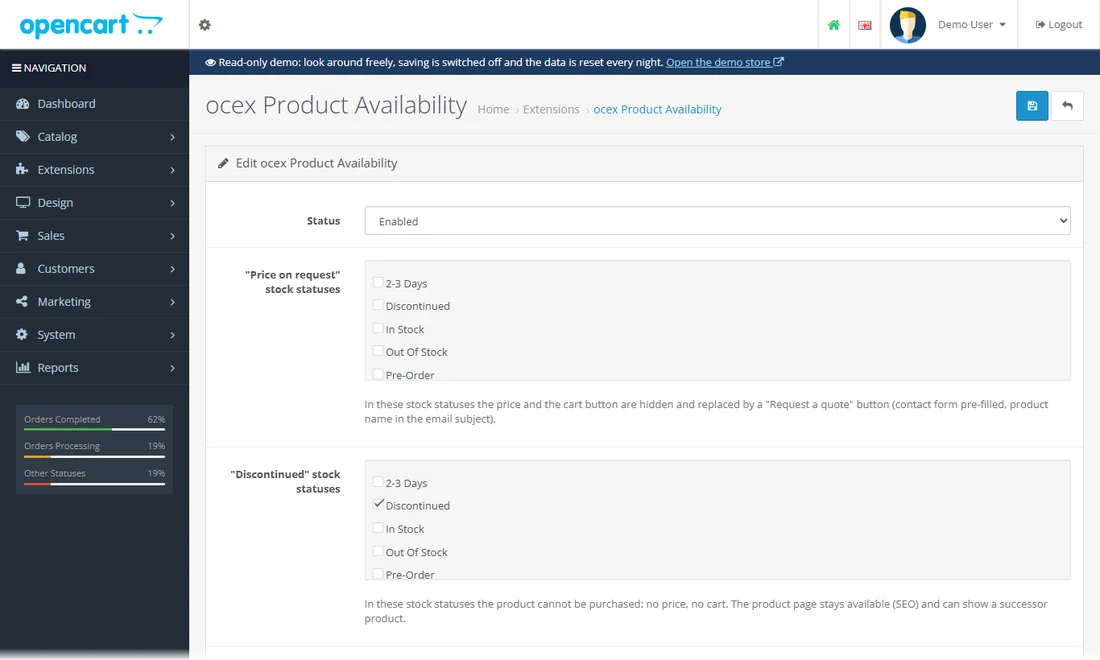
"Request a quote" instead of a price, and a "no longer available" state that keeps the page for SEO and suggests a successor.
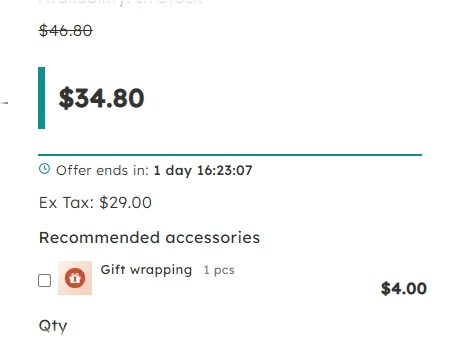
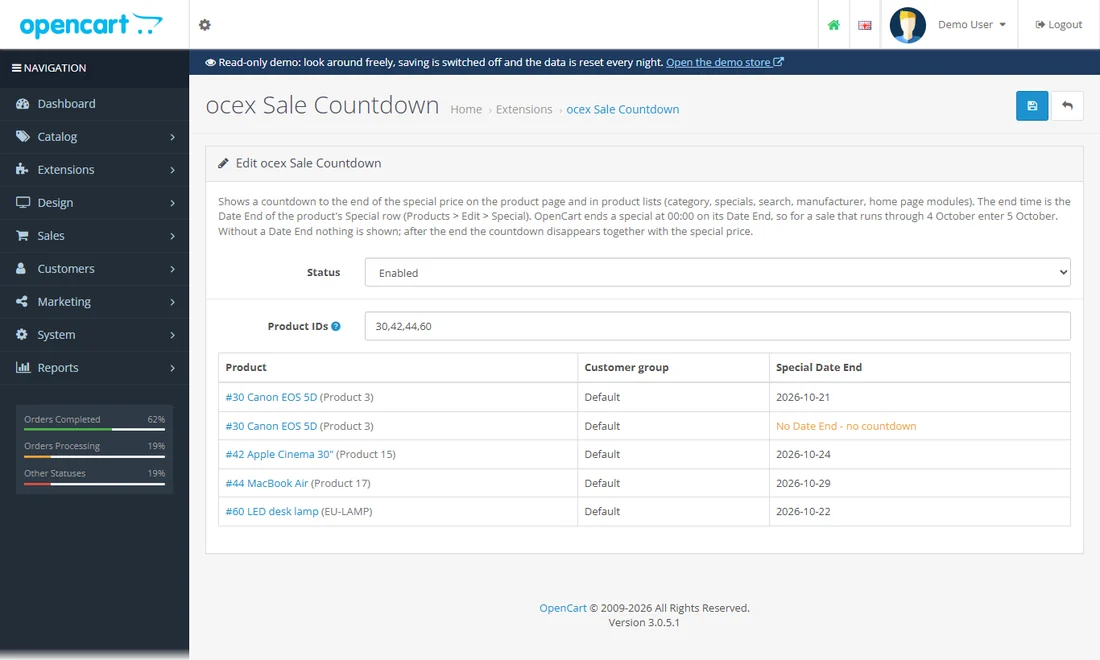
A live countdown to the end of a special price, on the product page and in product lists.
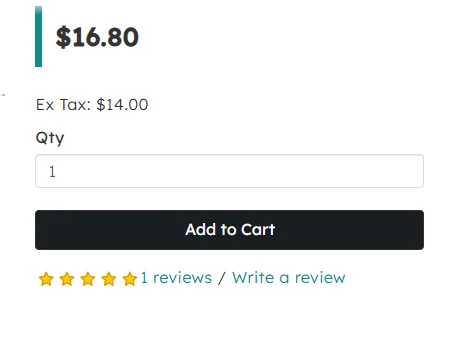
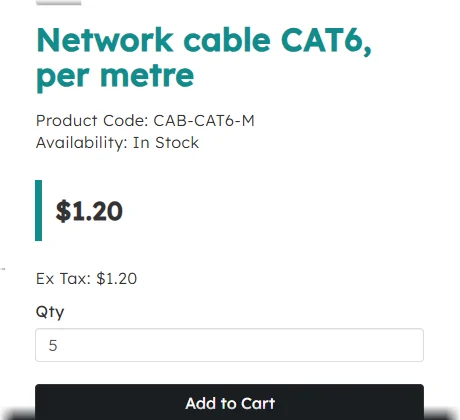
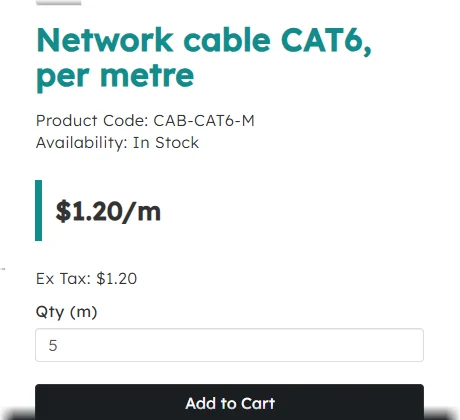
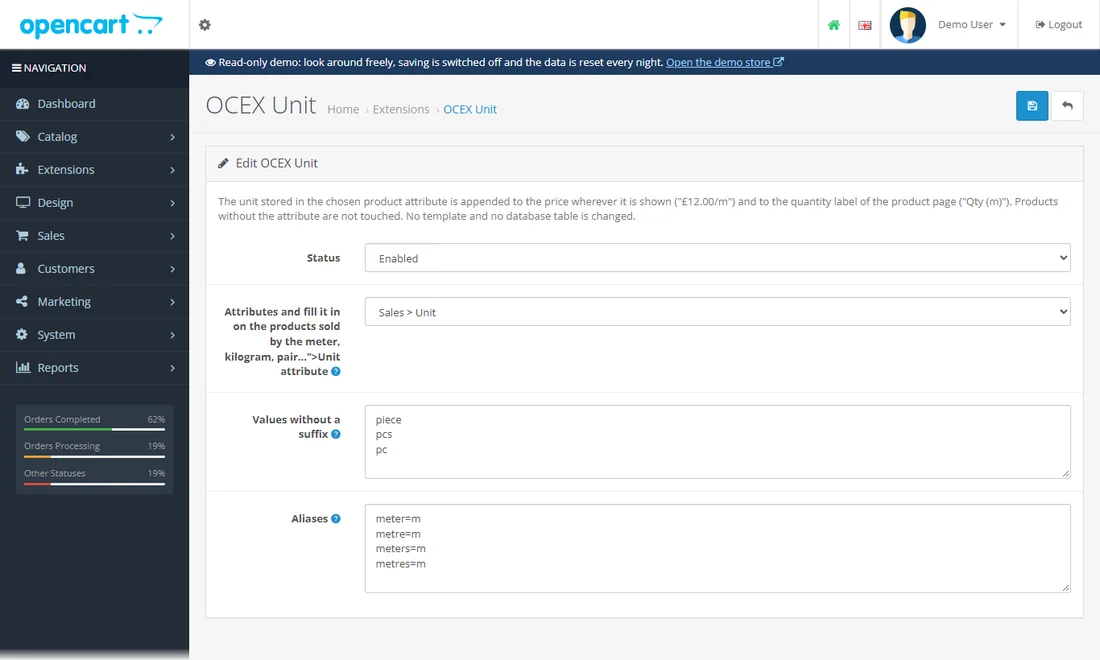
Shows the unit next to the price ("/ m", "/ pair") and in the quantity label, taken from a product attribute.
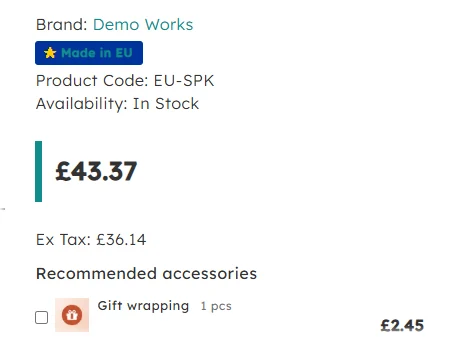
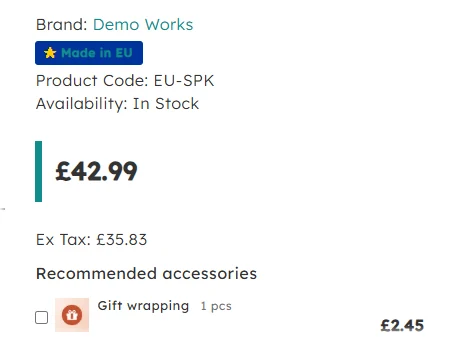
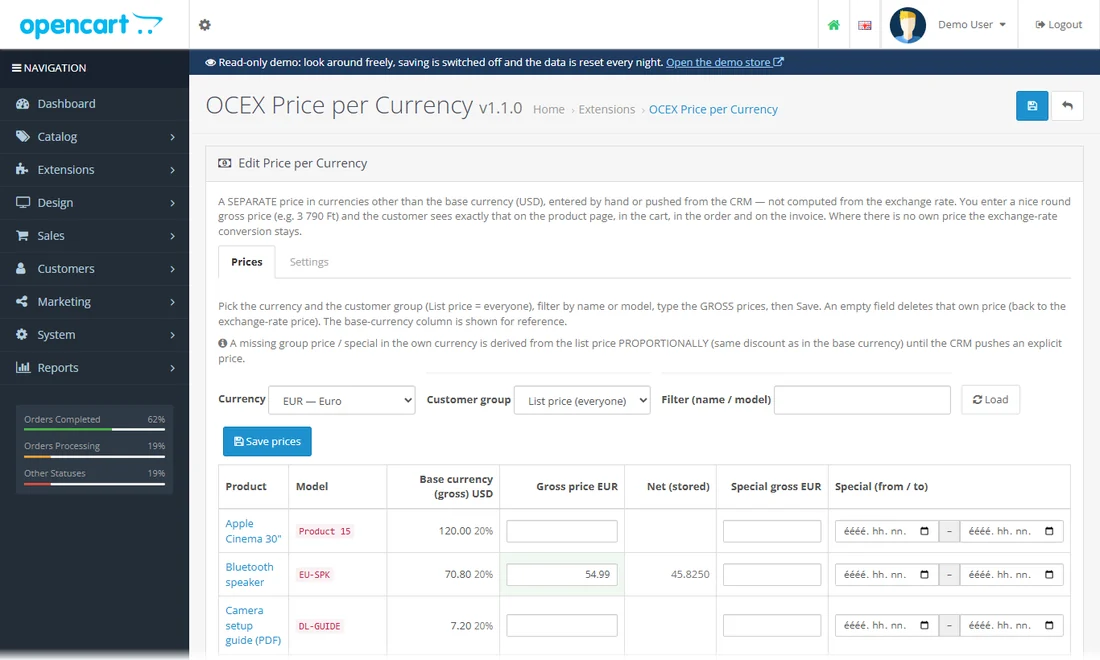
A separate, hand-picked round price in each currency instead of an exchange-rate conversion.
Use the currency selector in the header (USD, GBP, EUR): four products have their own round prices, the rest are converted as usual.
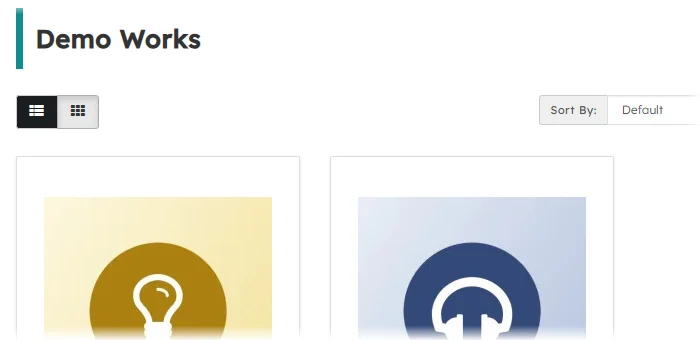
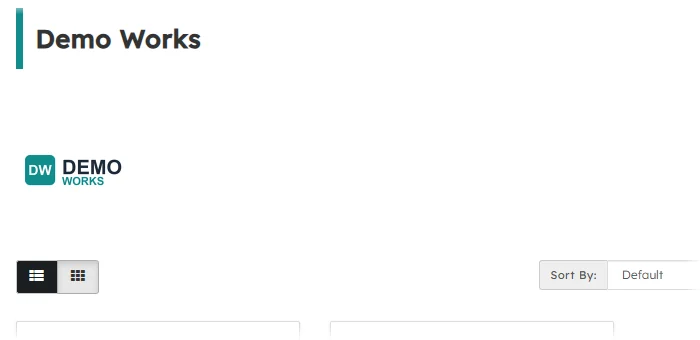
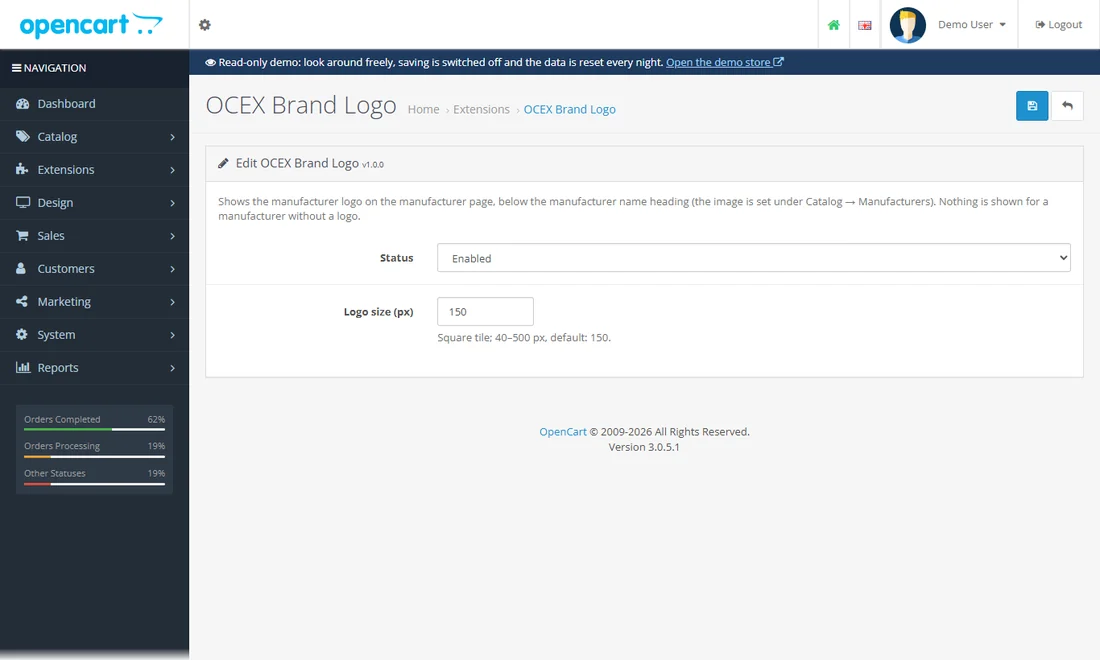
The manufacturer logo on the brand page.
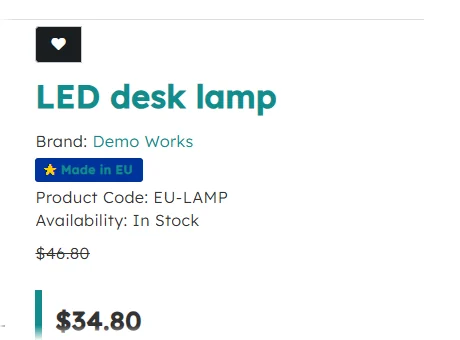
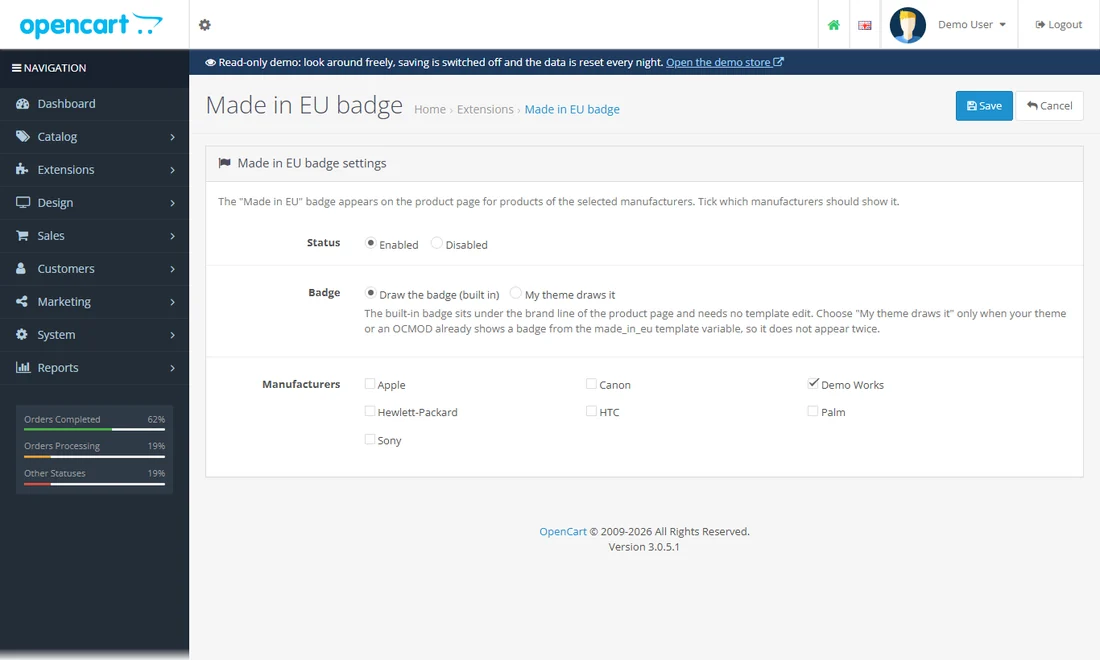
A "Made in EU" badge on the product page for the manufacturers you tick.
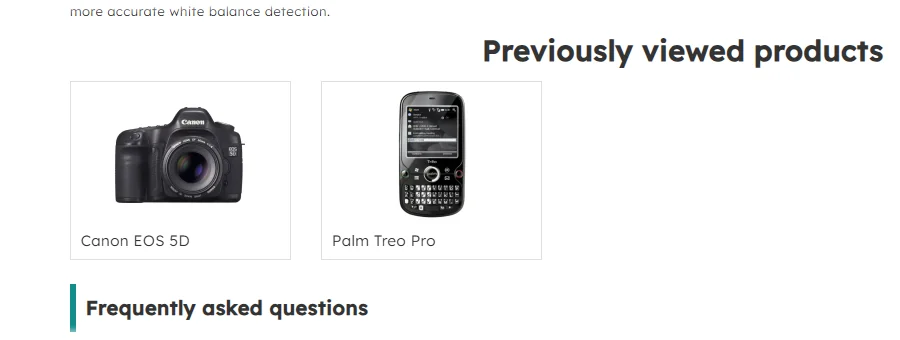
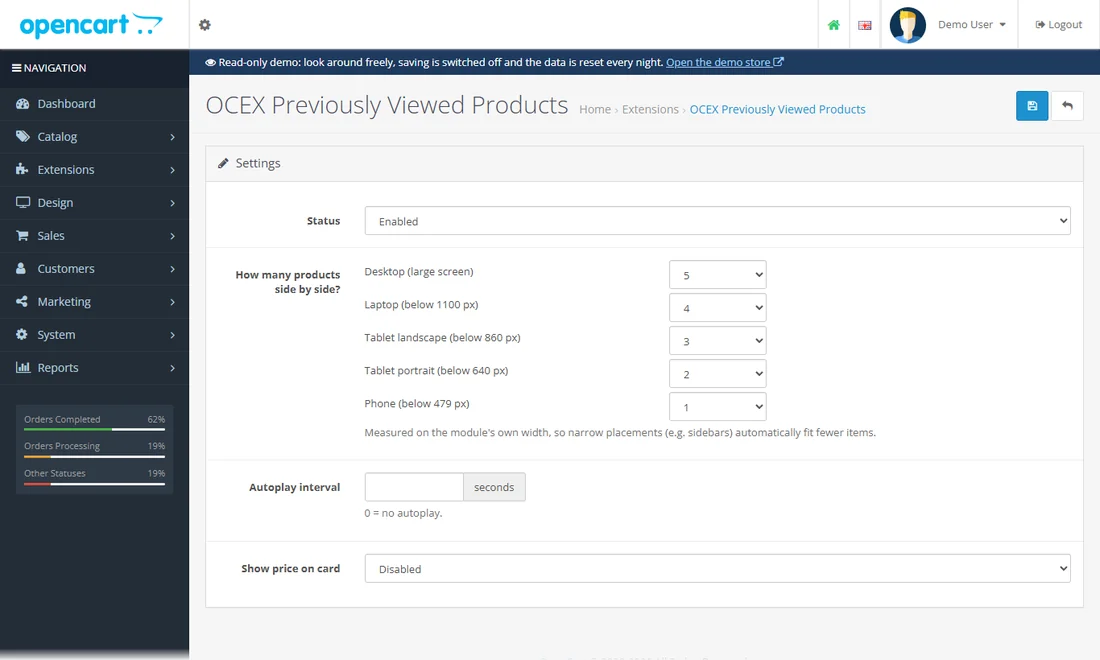
A "Previously viewed products" strip that fits its width.
Open a few product pages one after another: the strip below the content fills with what you have seen (the home page shows it too).
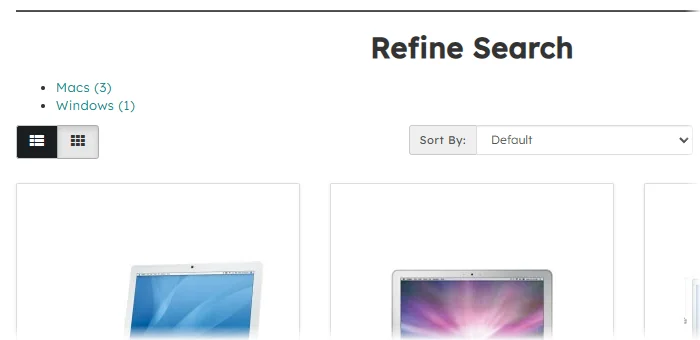
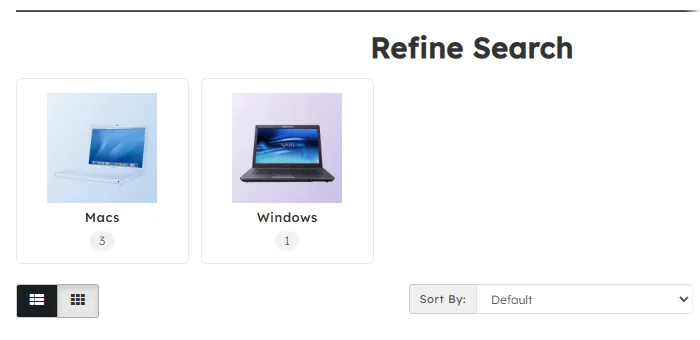
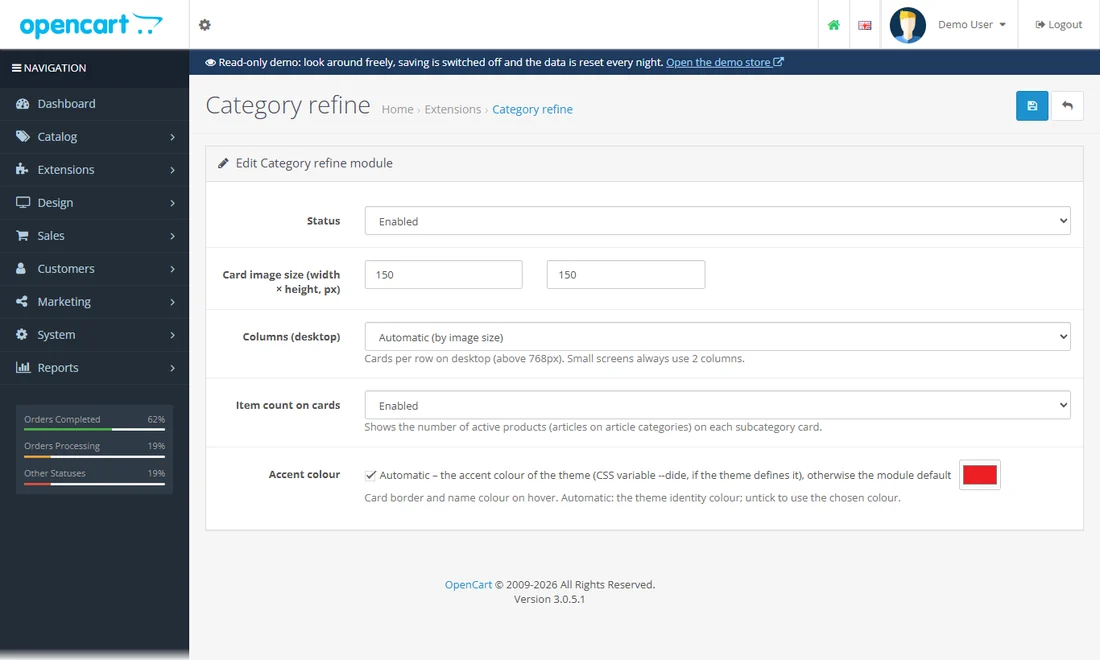
Subcategory cards with image and product count at the top of a category page.
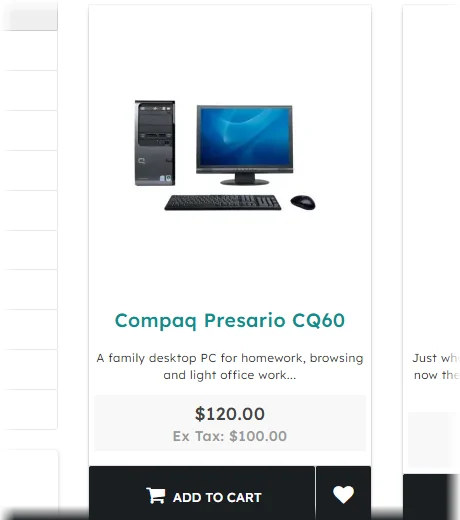
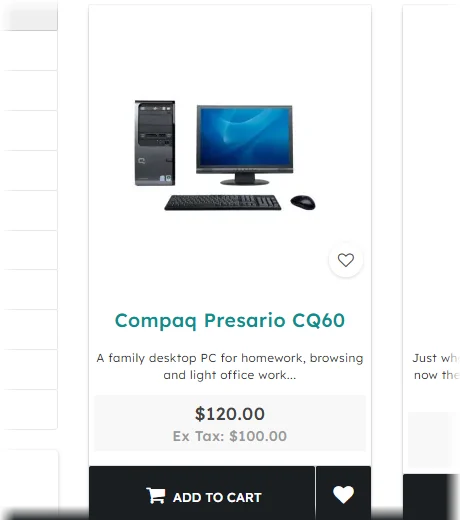
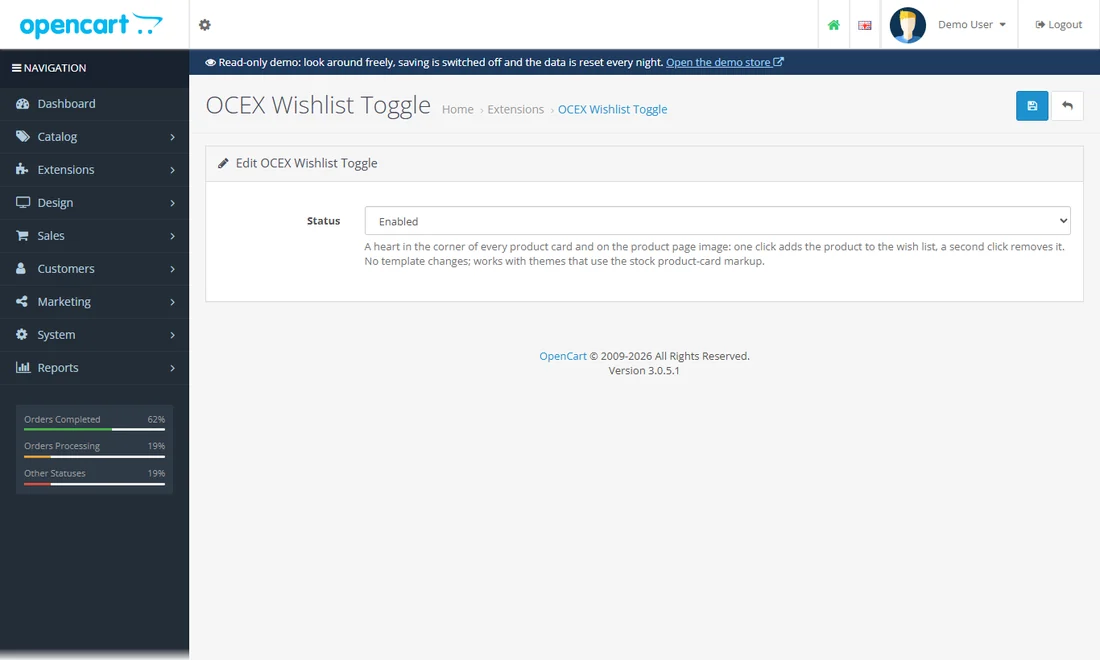
A heart on every product card and product image: one click adds, a second removes - no page reload.
Click a heart: it fills at once and the header counter changes. Click again and it is gone. (Adding to the wish list does not need an account here.)
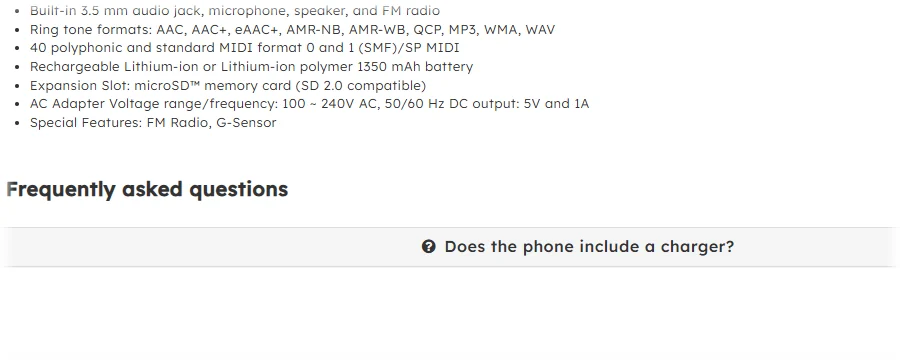
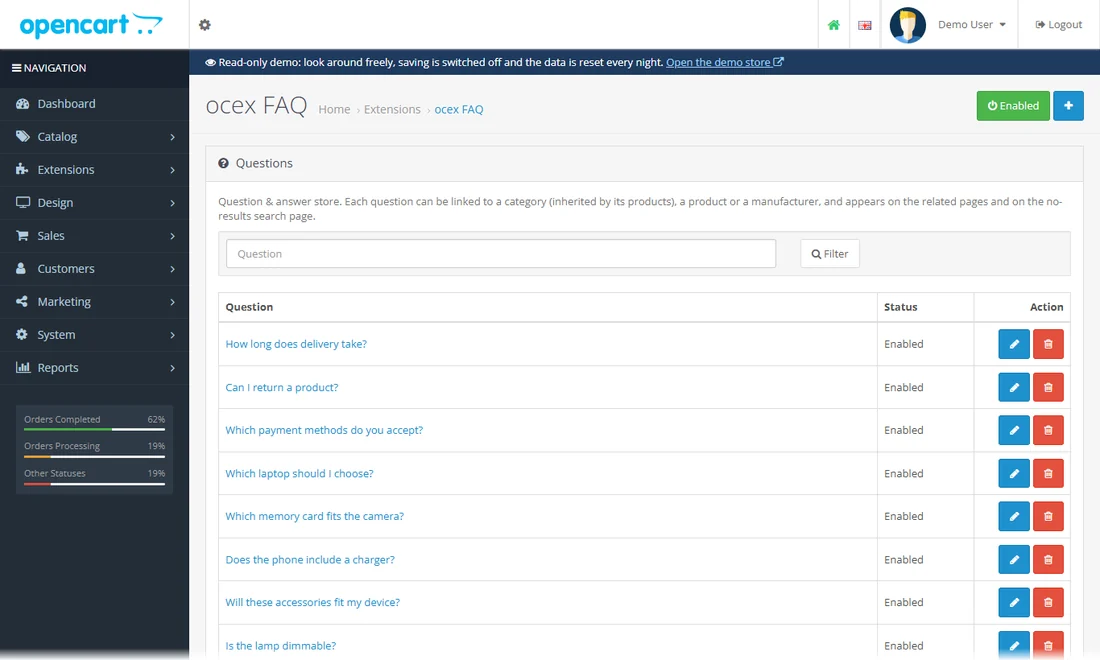
A question-and-answer library linked to categories, products and brands; answers appear on the related pages with FAQ structured data.
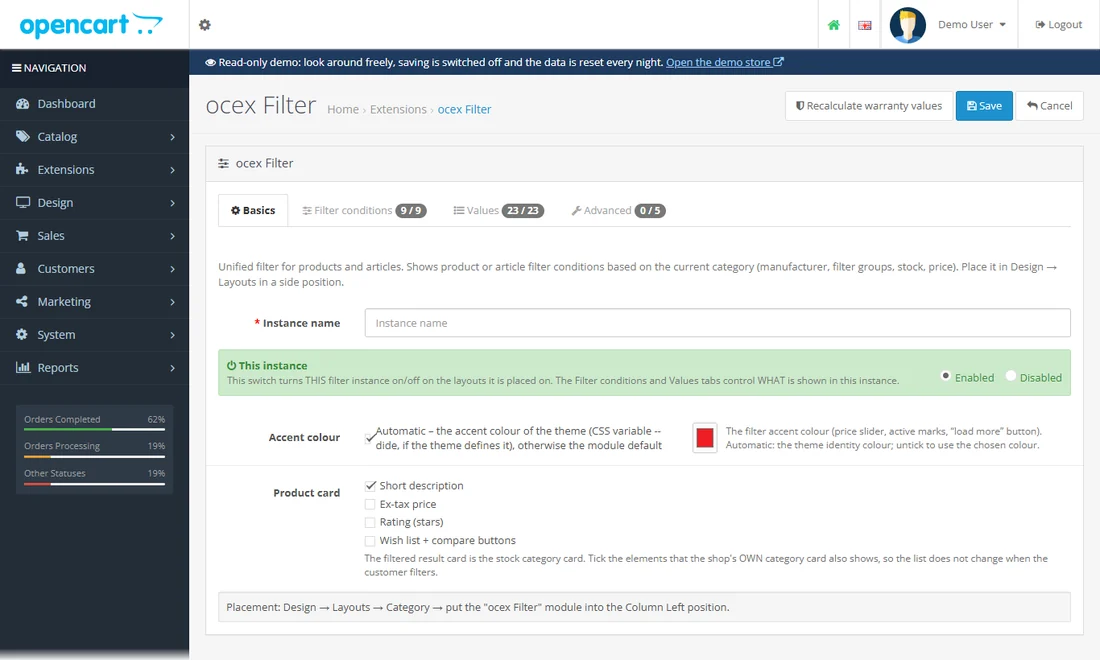
One filter box for products and articles: manufacturers, filter groups, attributes, stock and a price slider.
Tick a manufacturer or drag the price slider: the list updates without a page reload.
Building blocks for the home page, menus and content.
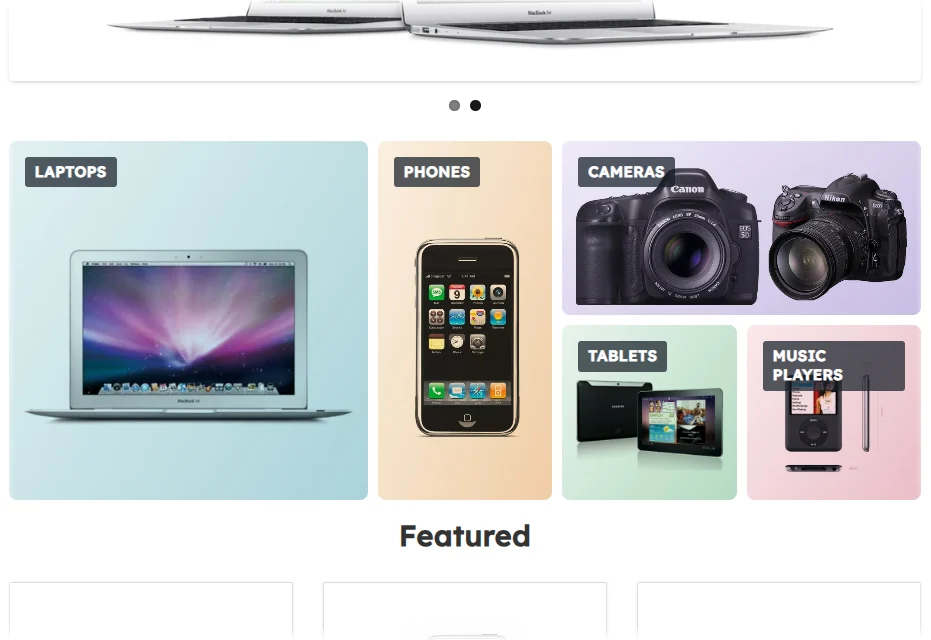
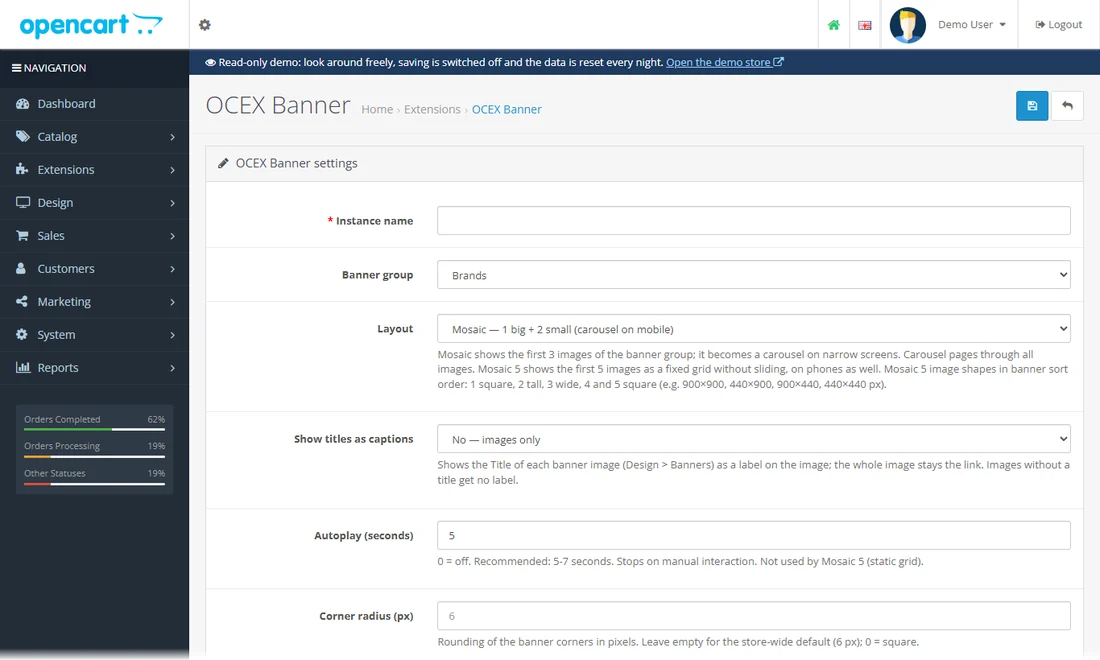
Banner groups as a mosaic, a slider or a strip, with captions and per-image links.
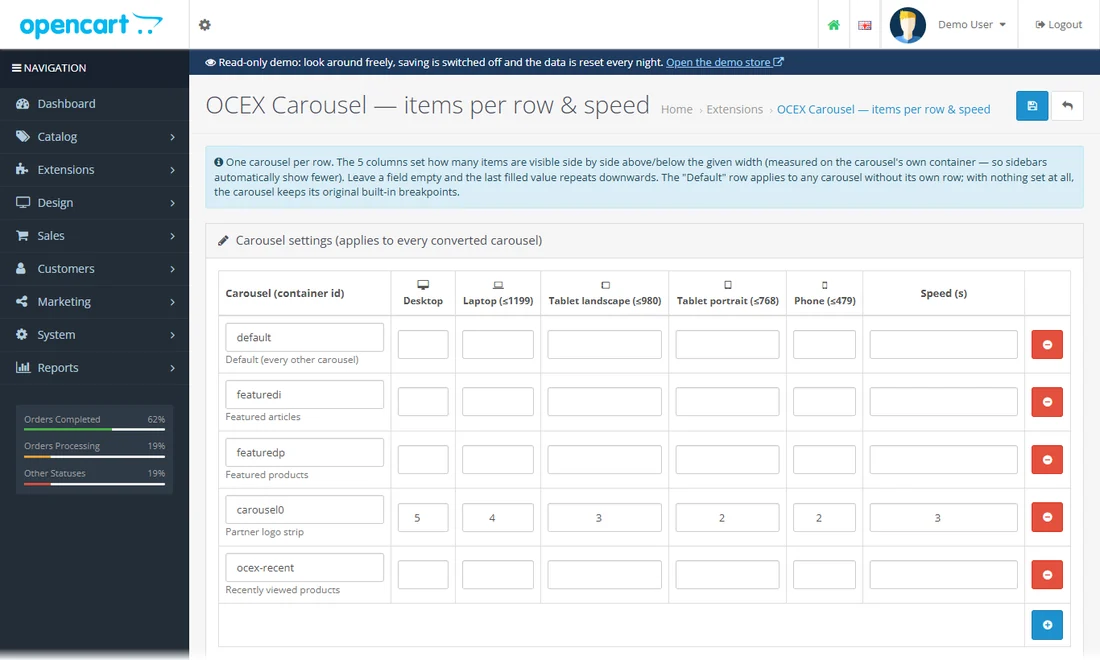
Items per row and slide speed for every product carousel in the shop, set in one place.
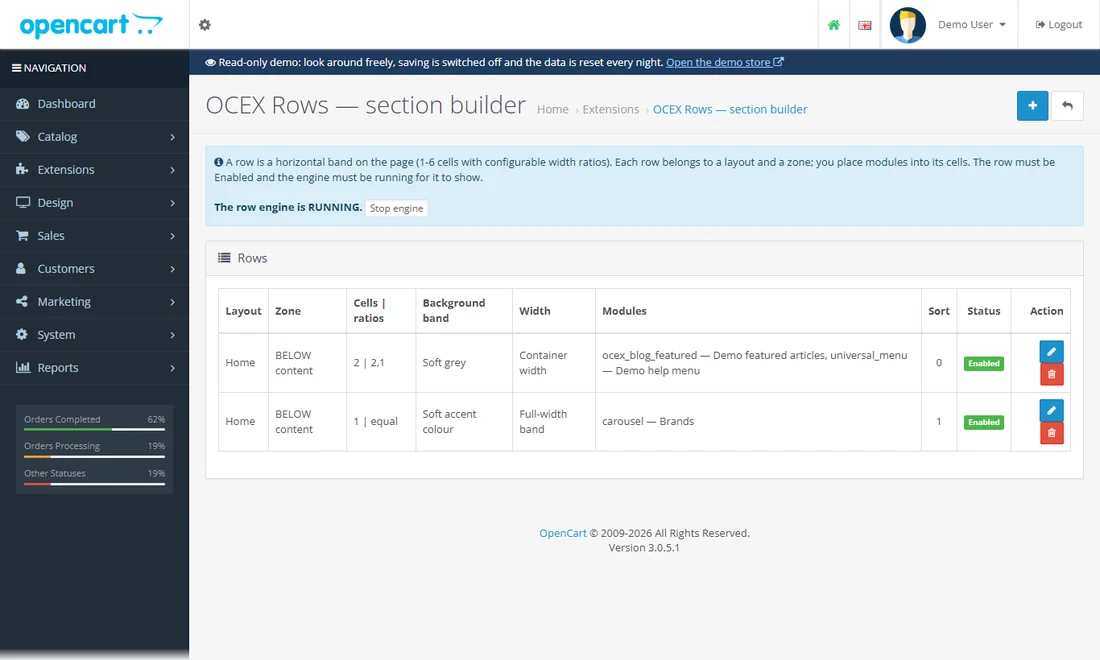
Build page sections from rows of 1-6 cells and drop modules into the cells.
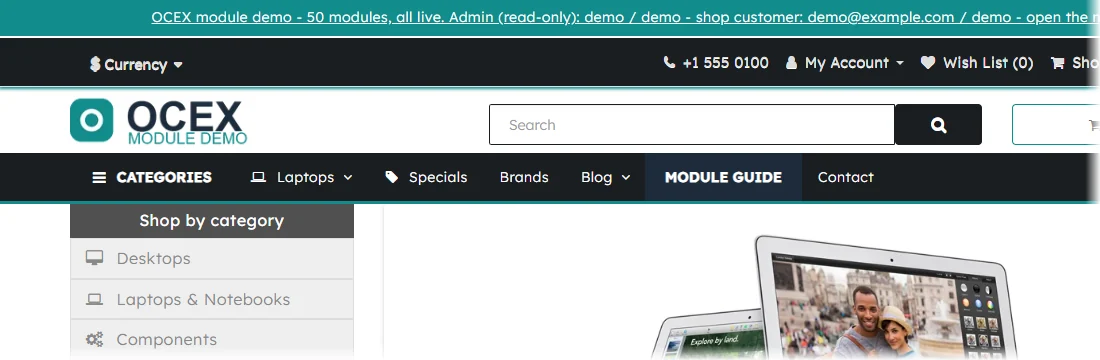
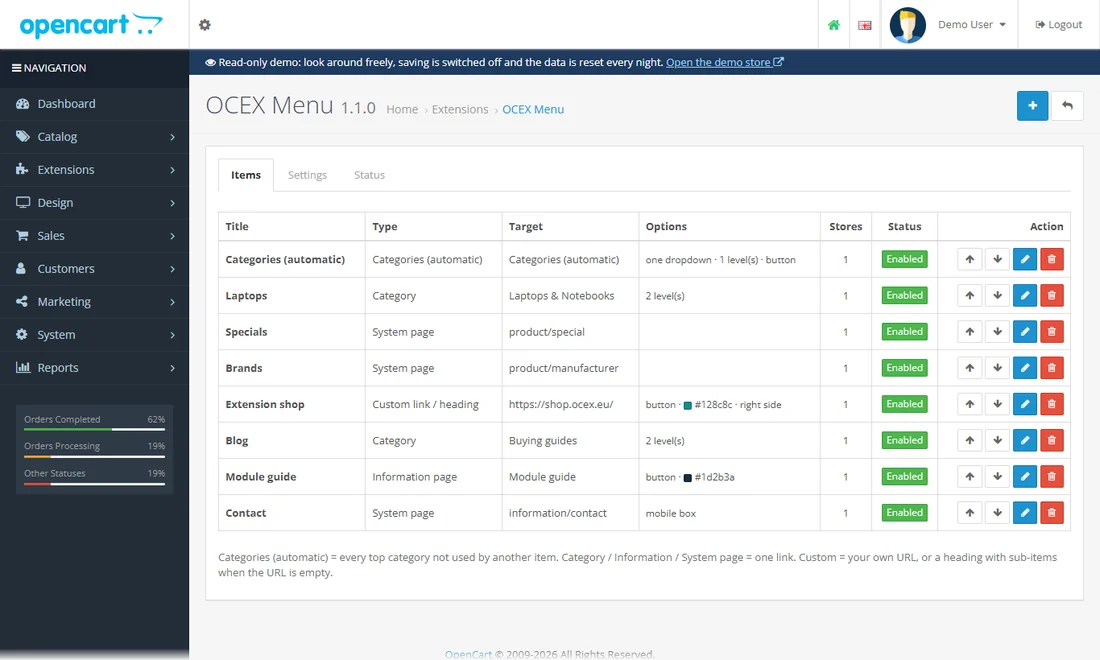
A header menu with your own items, drop-downs and images that replaces the stock menu.
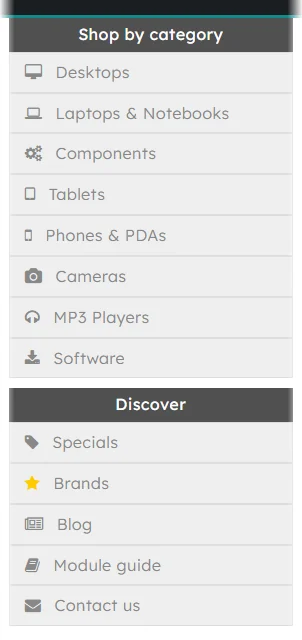
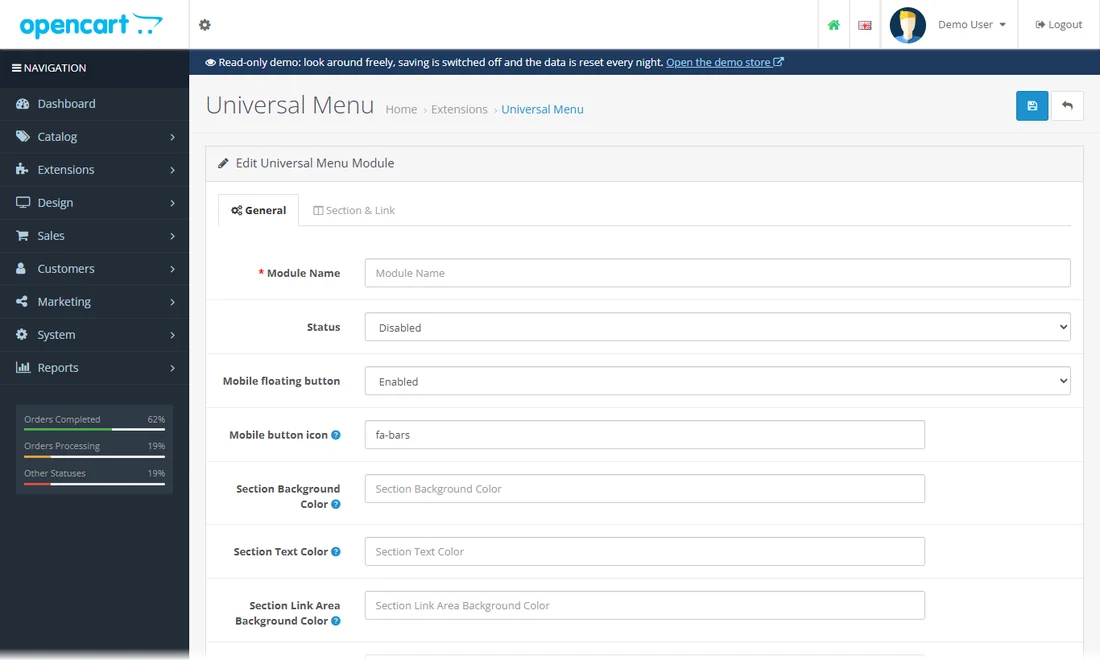
A side menu you can place any number of times, with its own items per placement.
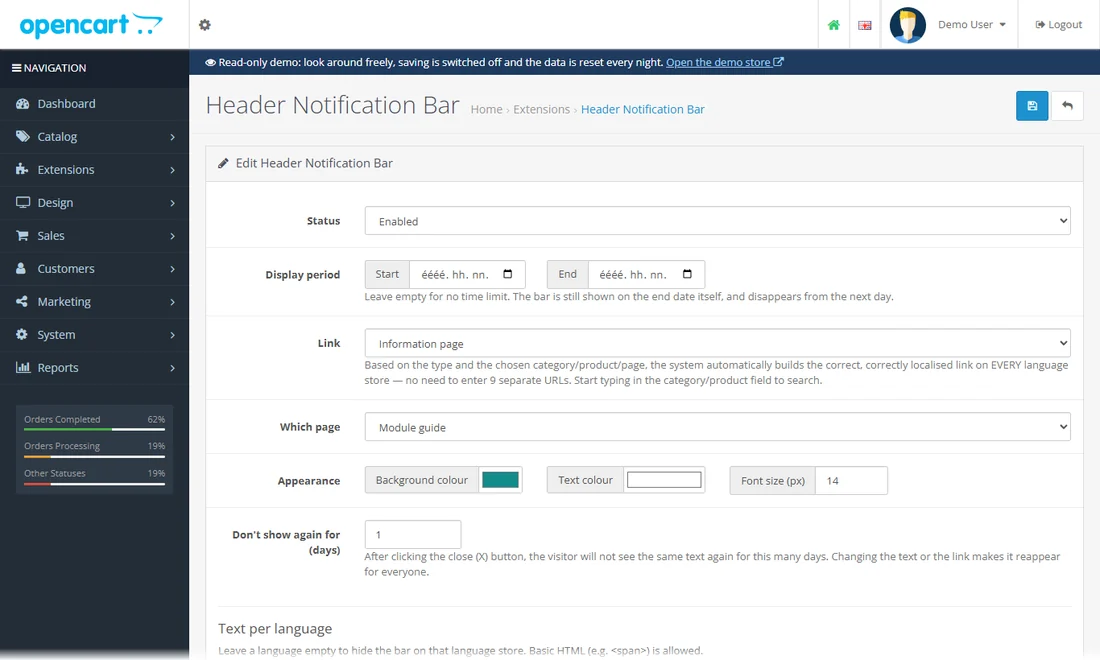
A closable bar above the header for announcements, with a date range and automatic localised links.
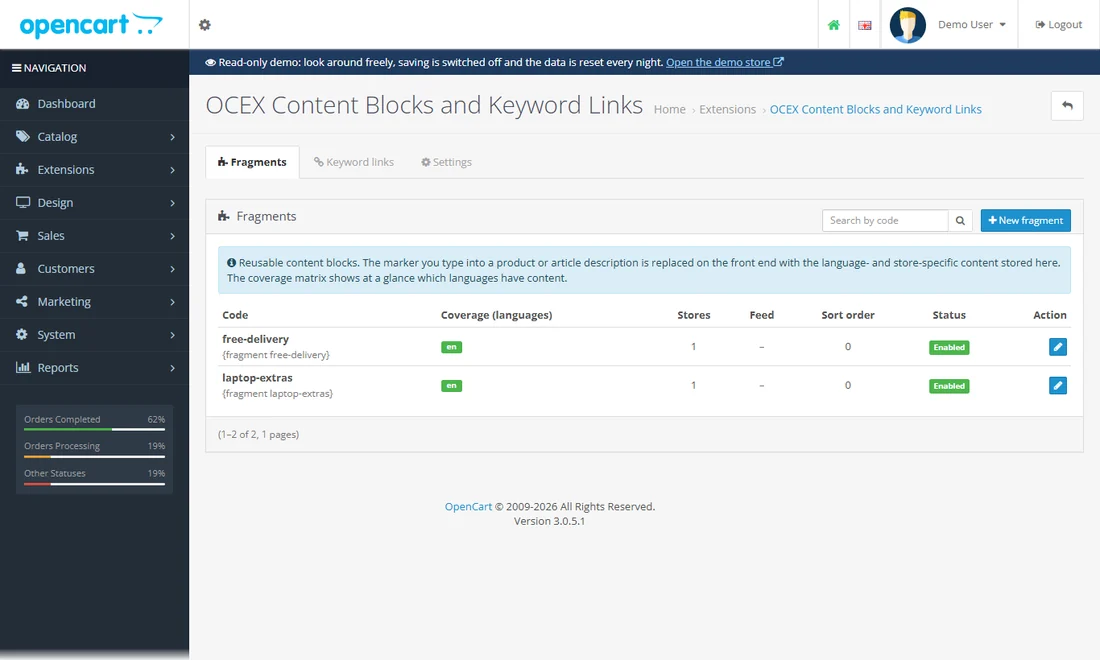
Reusable text blocks you drop into descriptions with a marker, and automatic internal links on chosen keywords.
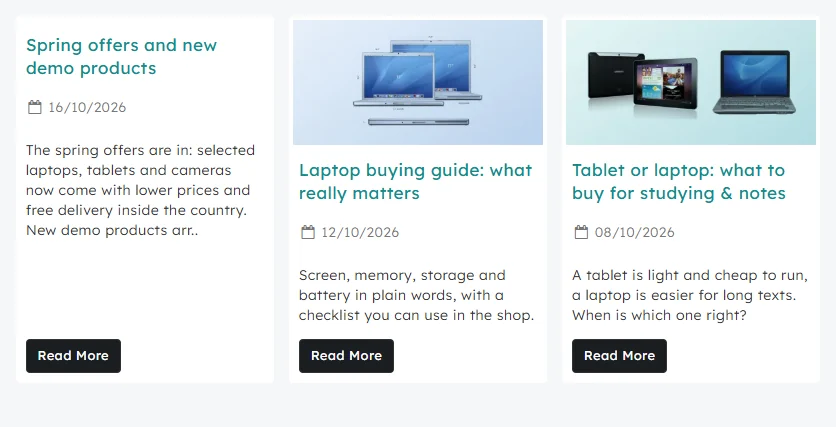
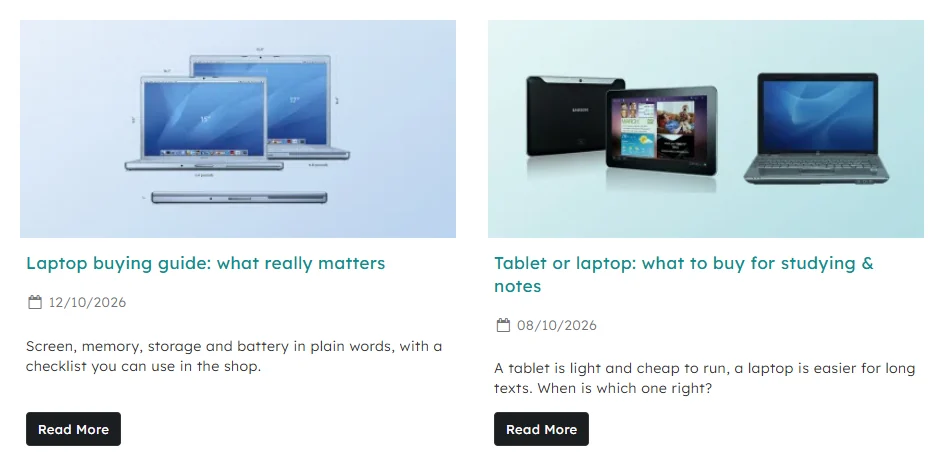
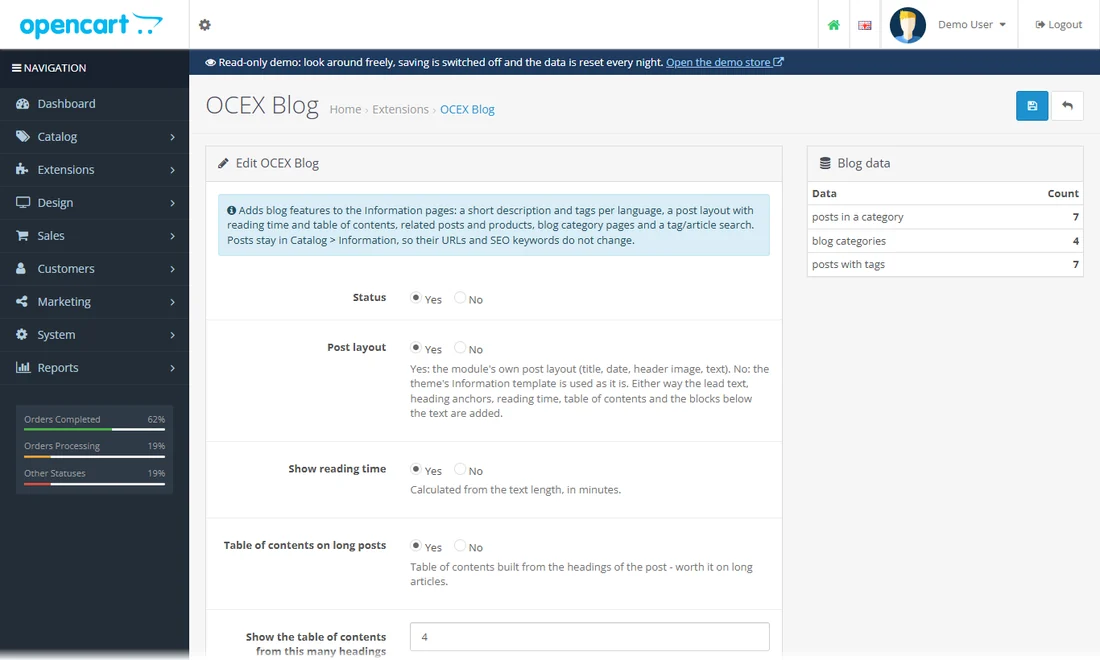
Articles, categories, tags, galleries, related posts and products - built on the stock Information pages, with a featured-posts block.
Finding things, being found, loading fast.
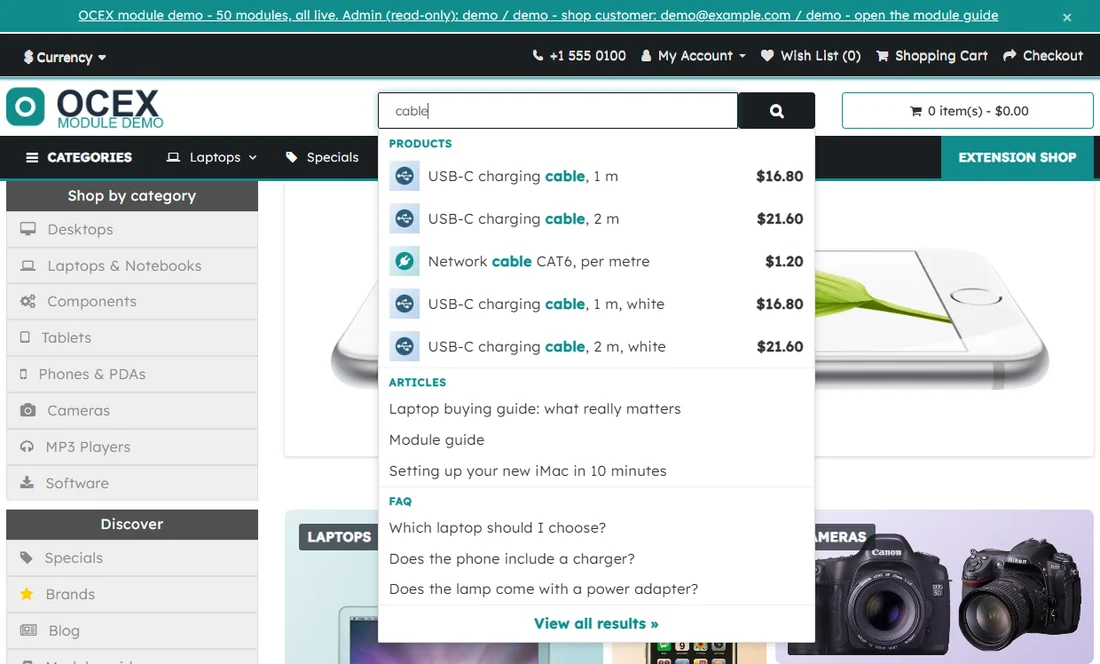
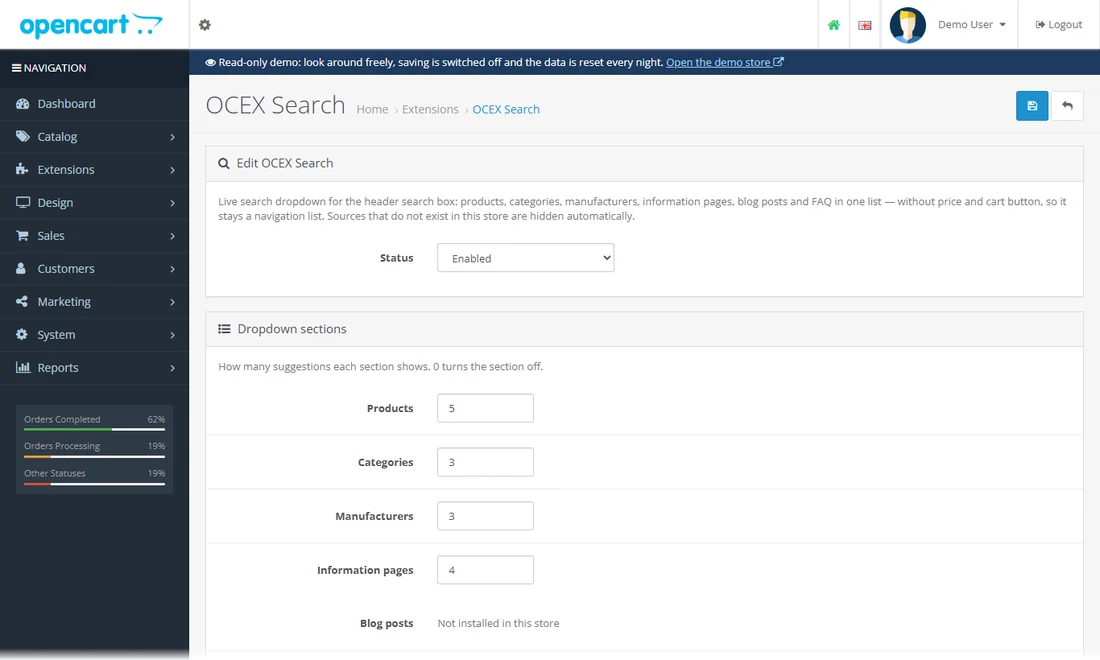
Search-as-you-type dropdown for products, categories, brands, pages, articles and FAQ.
Click into the search box in the header and type "cab", "mac" or "delivery": results appear as you type, grouped by products, categories, articles and FAQ.
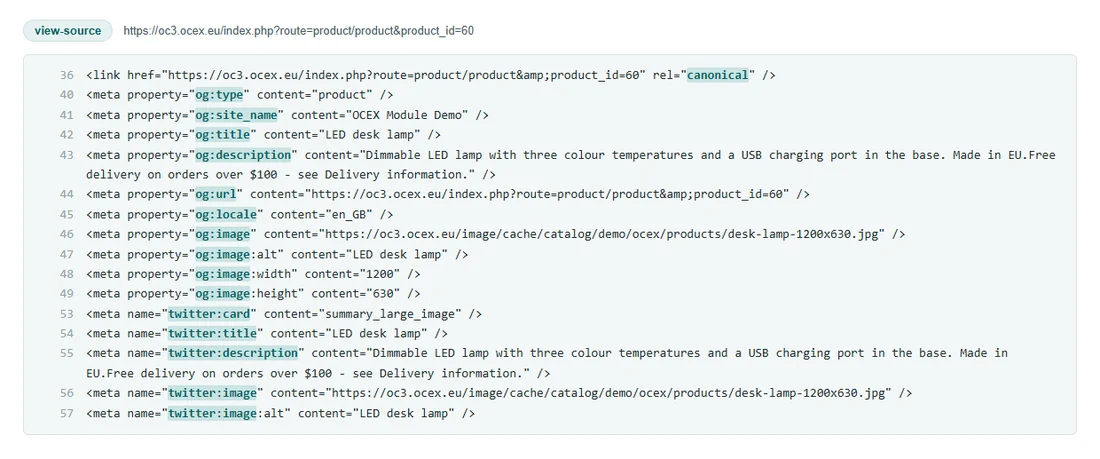
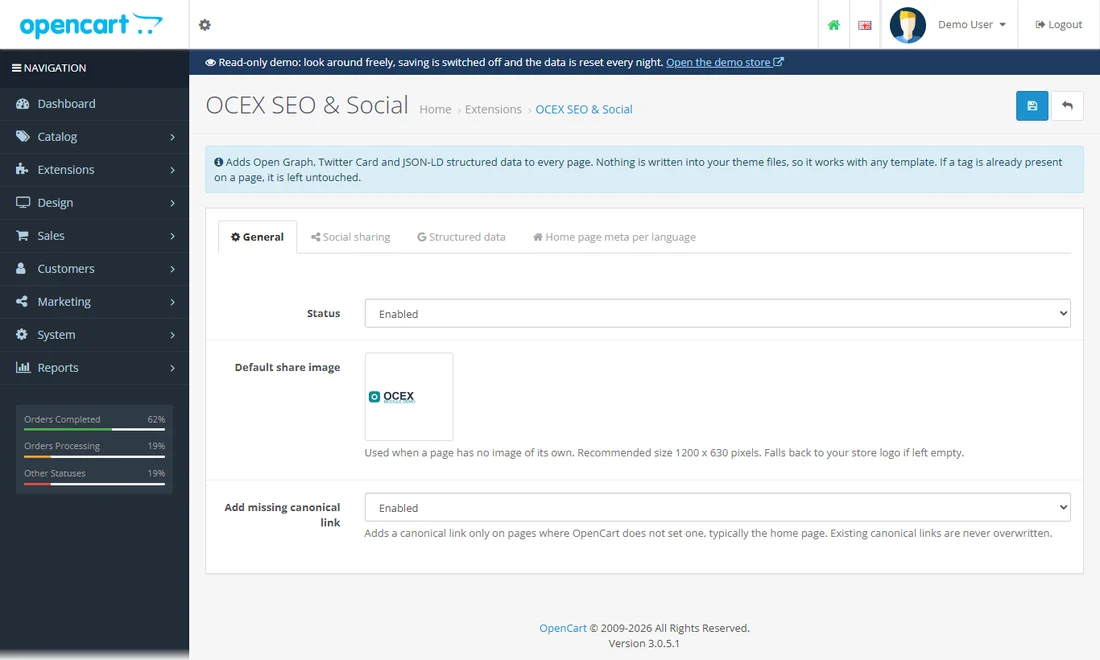
Open Graph, Twitter Card, JSON-LD and canonical tags on every page without touching the theme.
Open a product page, press Ctrl+U (view source) and search for "og:" or "ld+json".
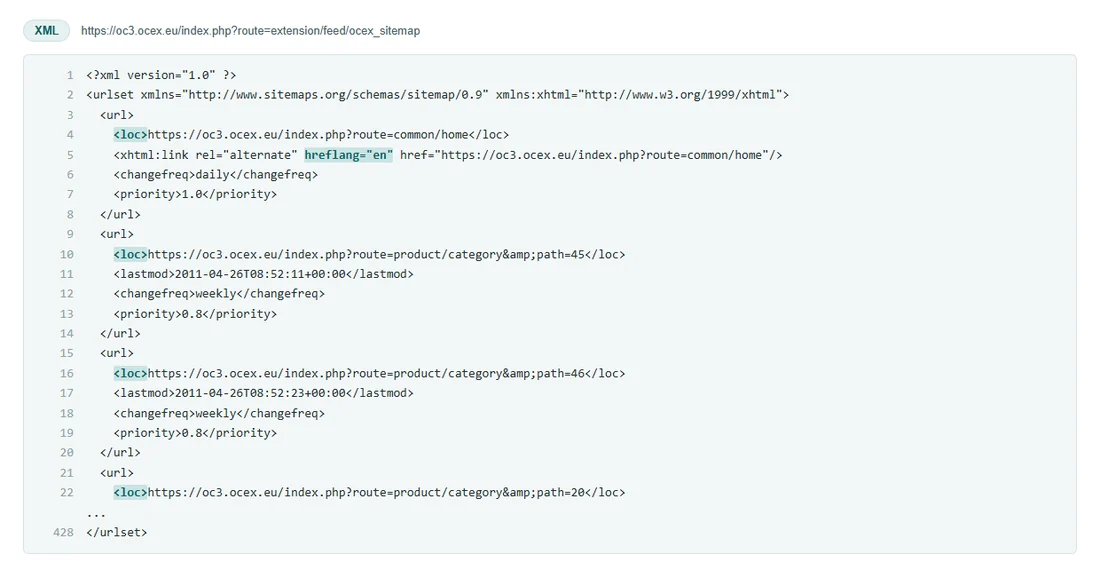
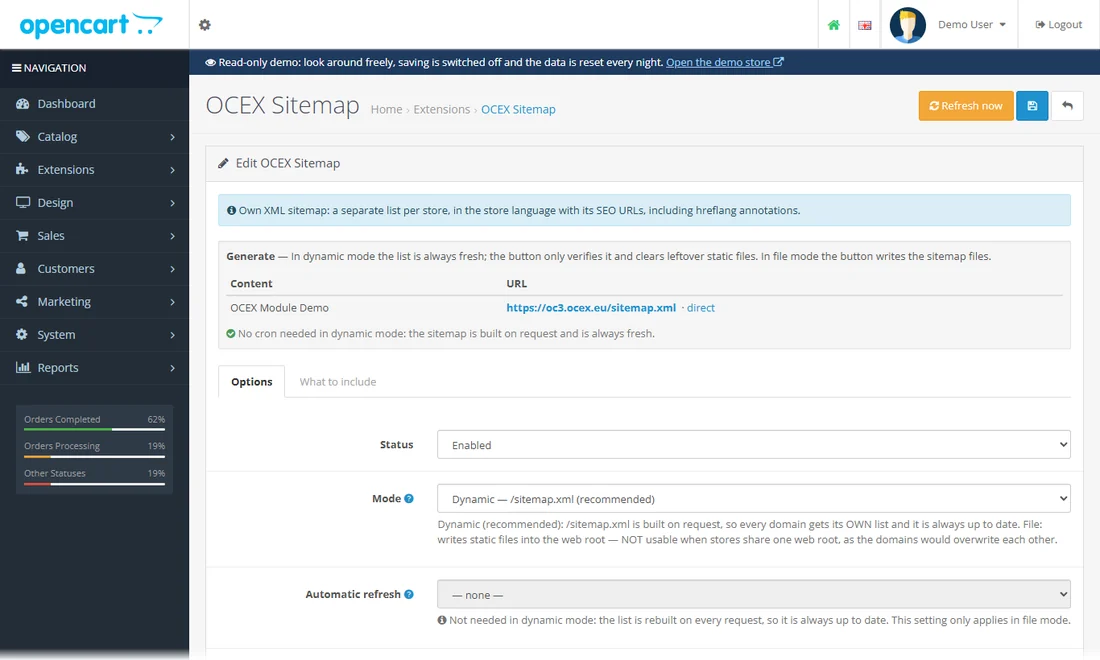
An XML sitemap per store in the store language, built on request, with hreflang annotations.
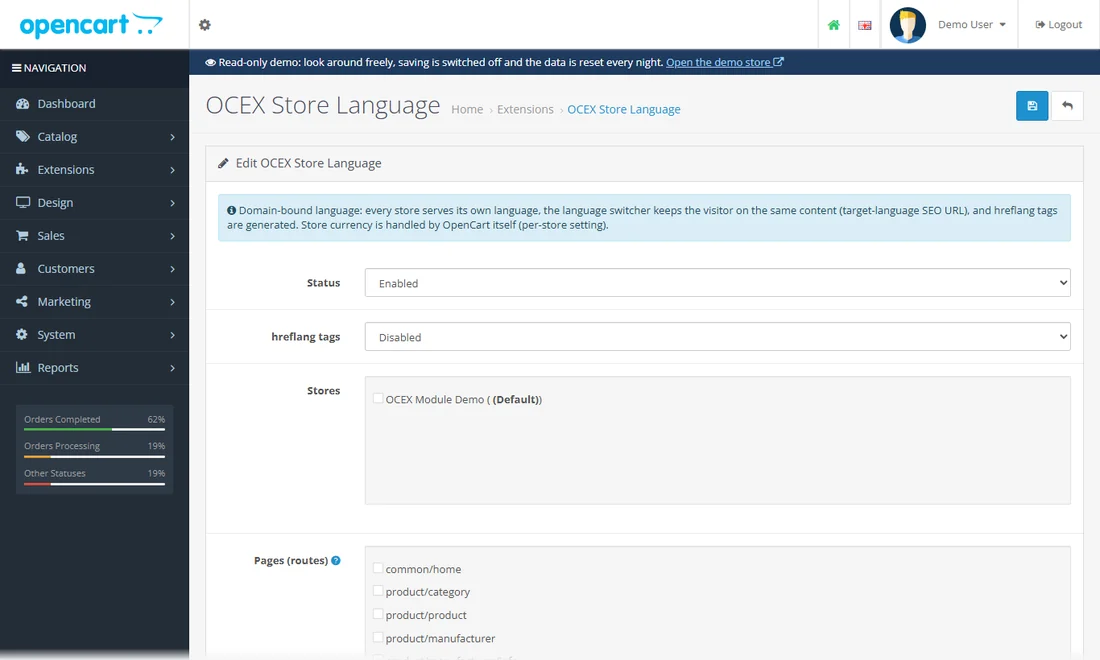
One language per domain, a language switcher that keeps the visitor on the same content, and hreflang tags.
The module pairs each store (domain) with one language. This demo has a single store and a single language, so there is no switcher to see - the settings page shows the pairing, the pages it covers and the hreflang options.
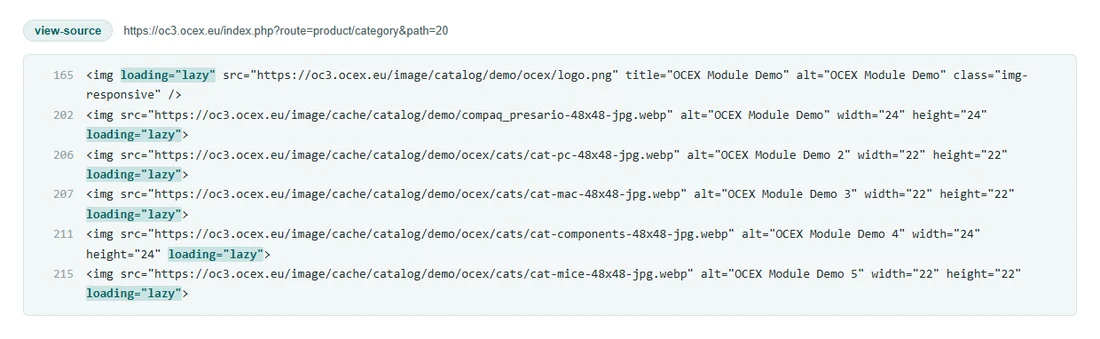
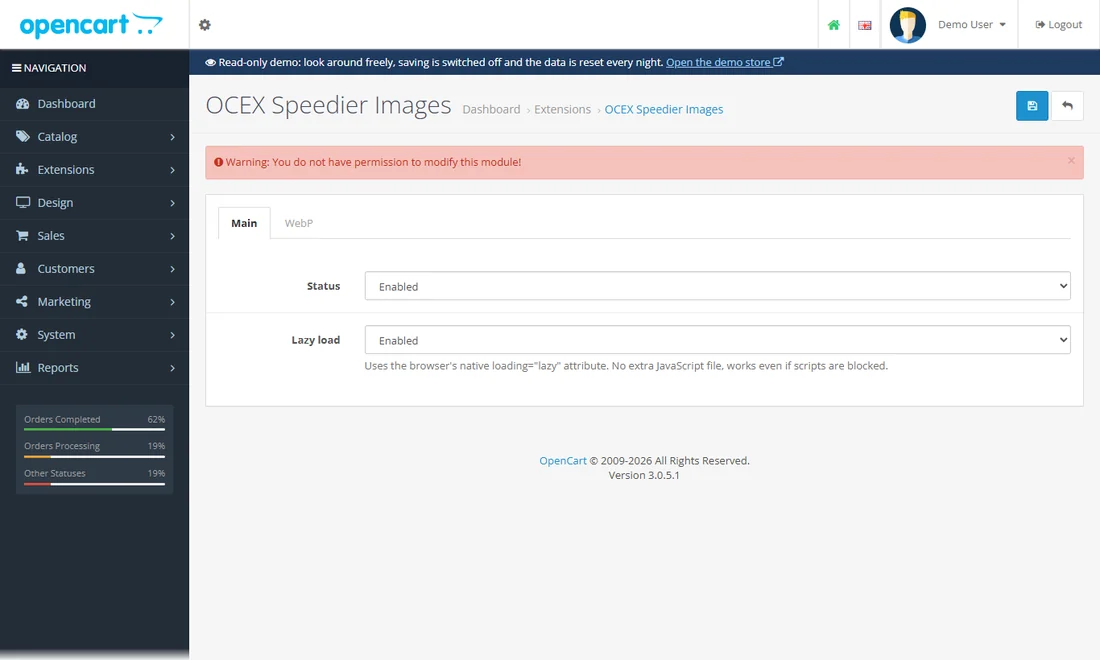
WebP copies of the store images and native lazy loading.
Open the browser tools (F12), Network tab, filter Img: the product images arrive as image/webp and only load when you scroll to them.
From the cart to the delivered parcel.
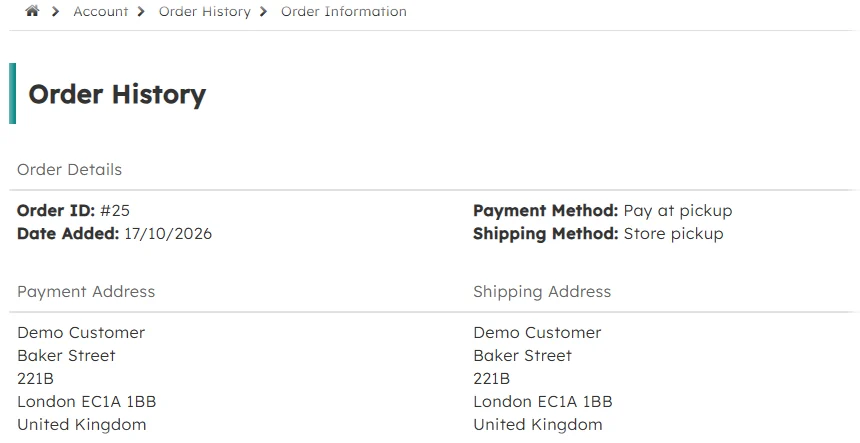
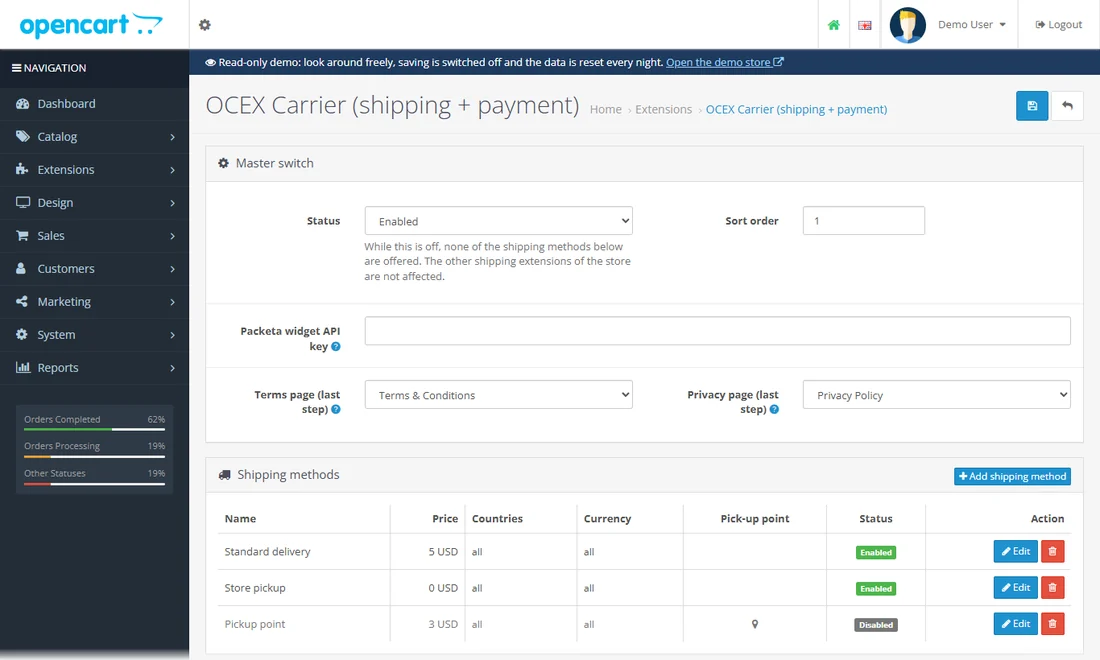
Shipping and payment in one place: methods with prices, parcel-point pick-up, cash on delivery with its own fee line.
Put a product in the cart and go to the checkout (as a guest or as demo@example.com / demo): the delivery step lists the methods with their prices, and the payment step only offers what fits the chosen delivery. Cash on delivery adds its own fee line.
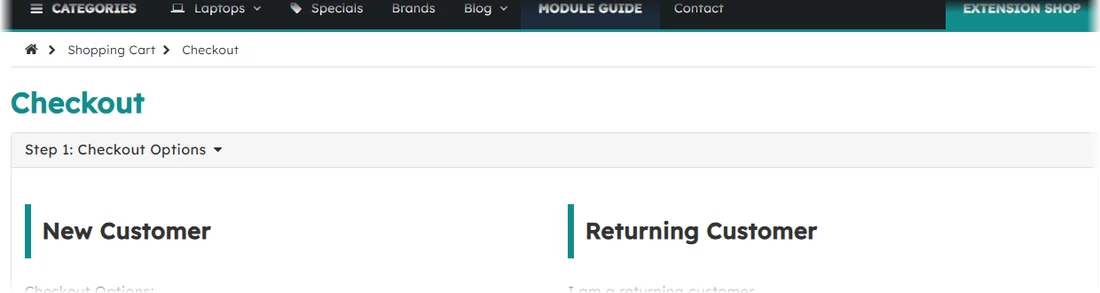
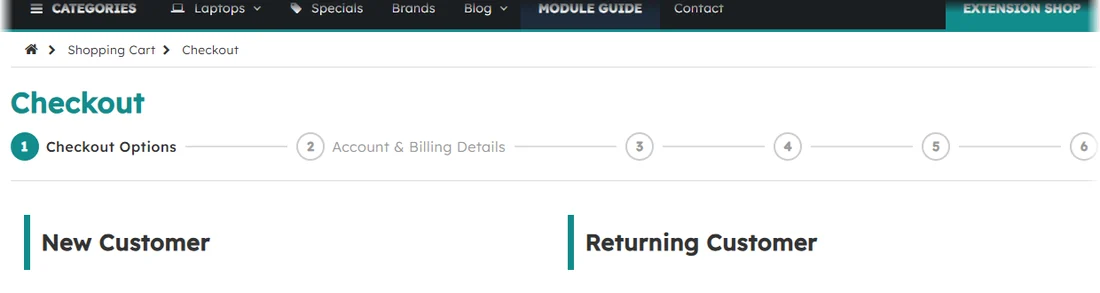
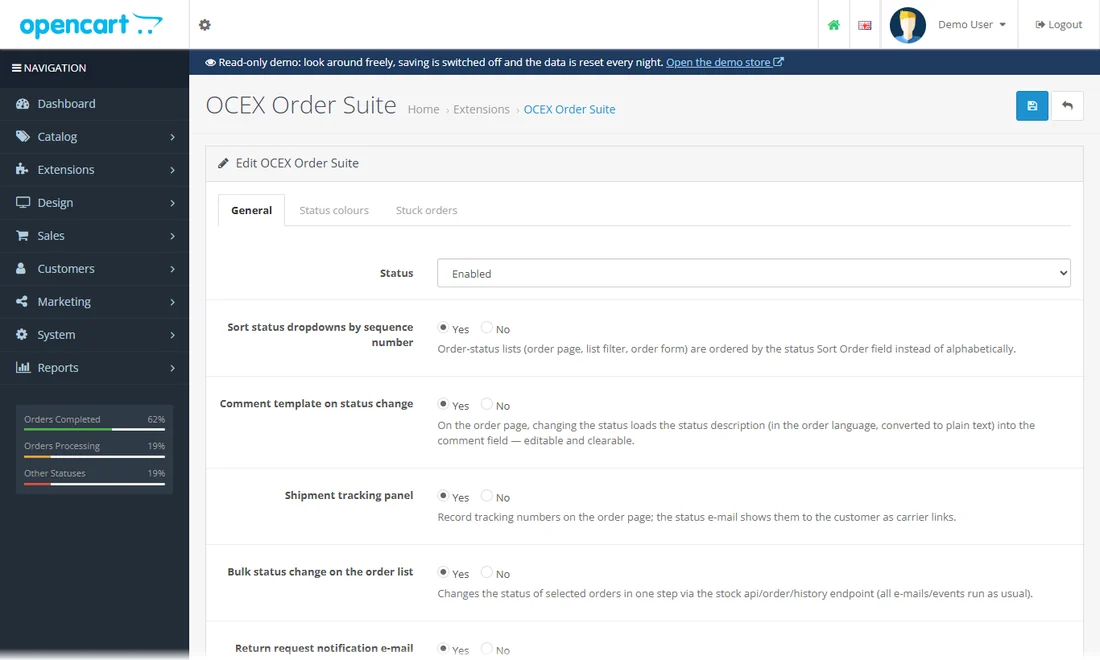
A checkout steps bar, status lists in your order, status texts and tracking numbers in the customer e-mail.
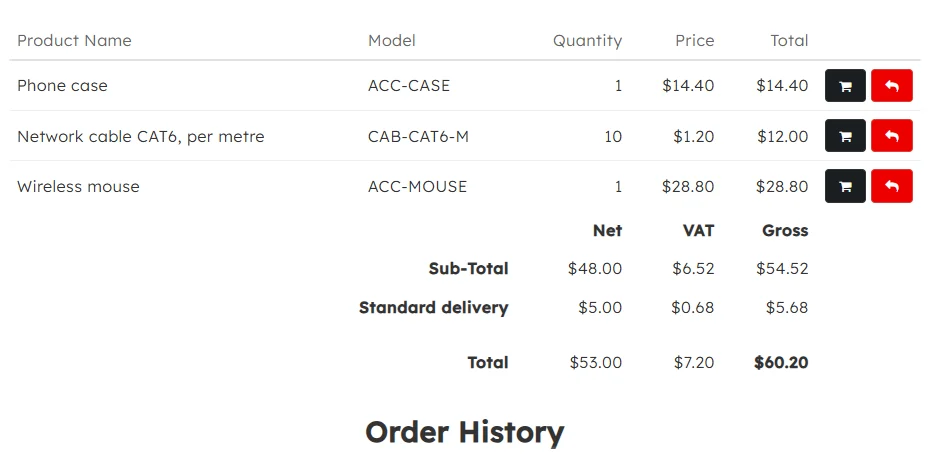
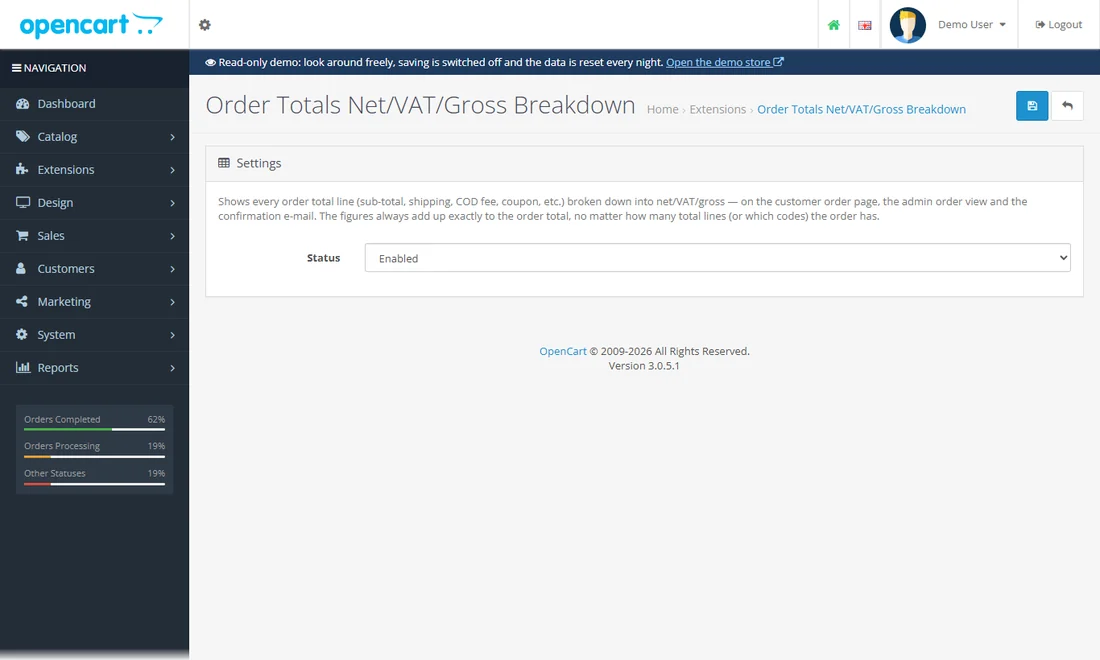
Every order total line split into net, VAT and gross - for the customer, the admin and the e-mail.
Lets guests check out with downloadable products (a stock restriction removed), without an account.
Add the guide to the cart without signing in and go to the checkout as a guest: stock OpenCart would refuse with "an account is required to buy downloads".
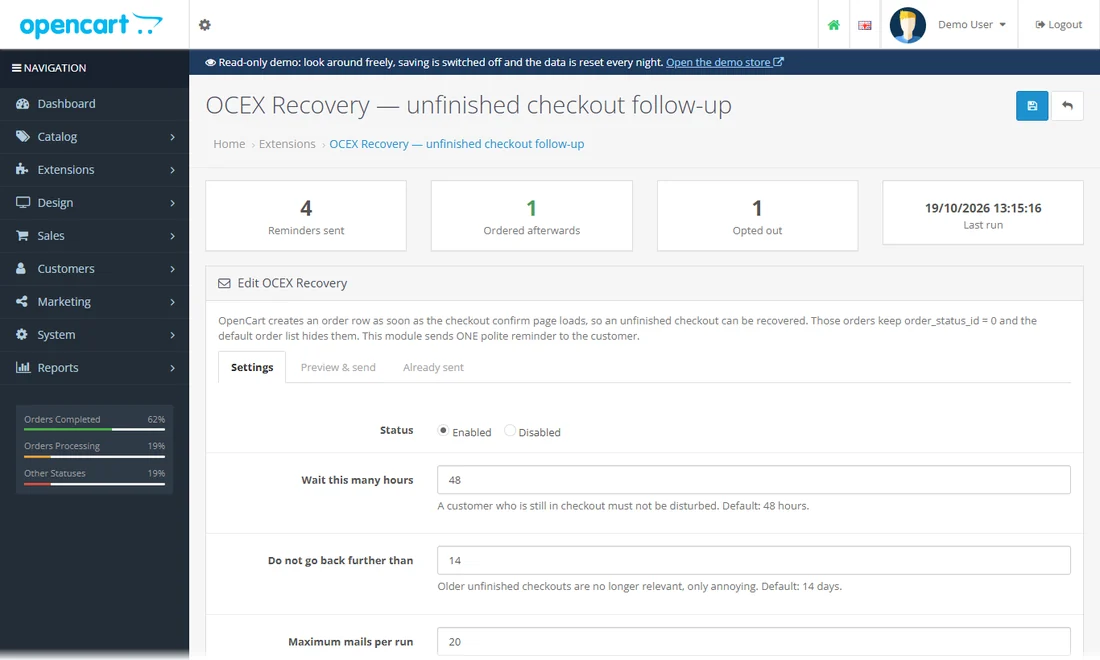
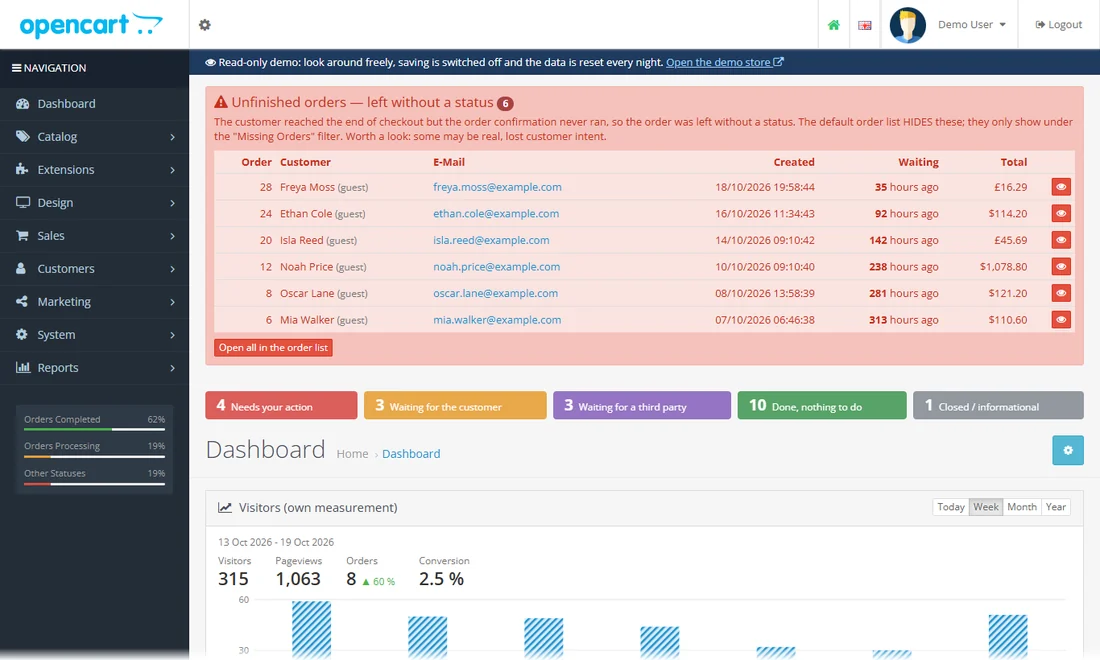
Follows up unfinished checkouts by e-mail, with a preview of exactly who would get what.
Open the module: the header counts reminders sent and orders placed afterwards. The "Preview & send" tab lists every unfinished checkout with the e-mail its customer would get; "Already sent" is the log. (No mail leaves the demo.)
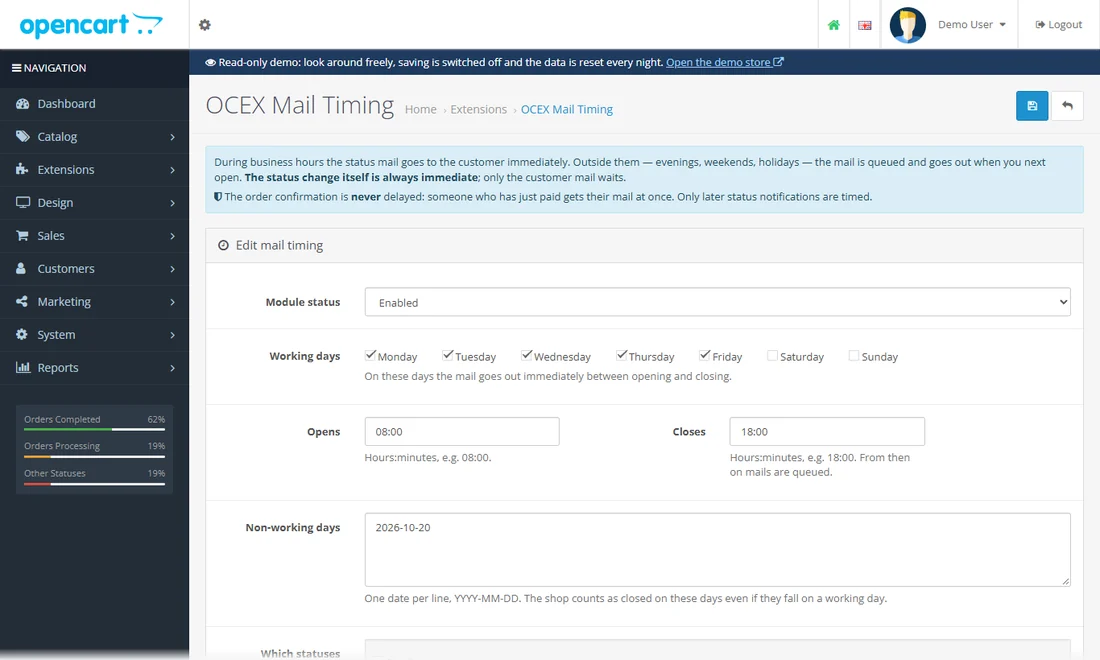
Status e-mails go out in business hours; evening and weekend mails are queued until you open.
Open the module: the queue lists status e-mails that wait for the next opening, one that was merged into a later status, and the ones already sent. Today is entered as a non-working day on the demo, so everything changed today waits until the next working morning. Send now and Cancel need a full admin account.
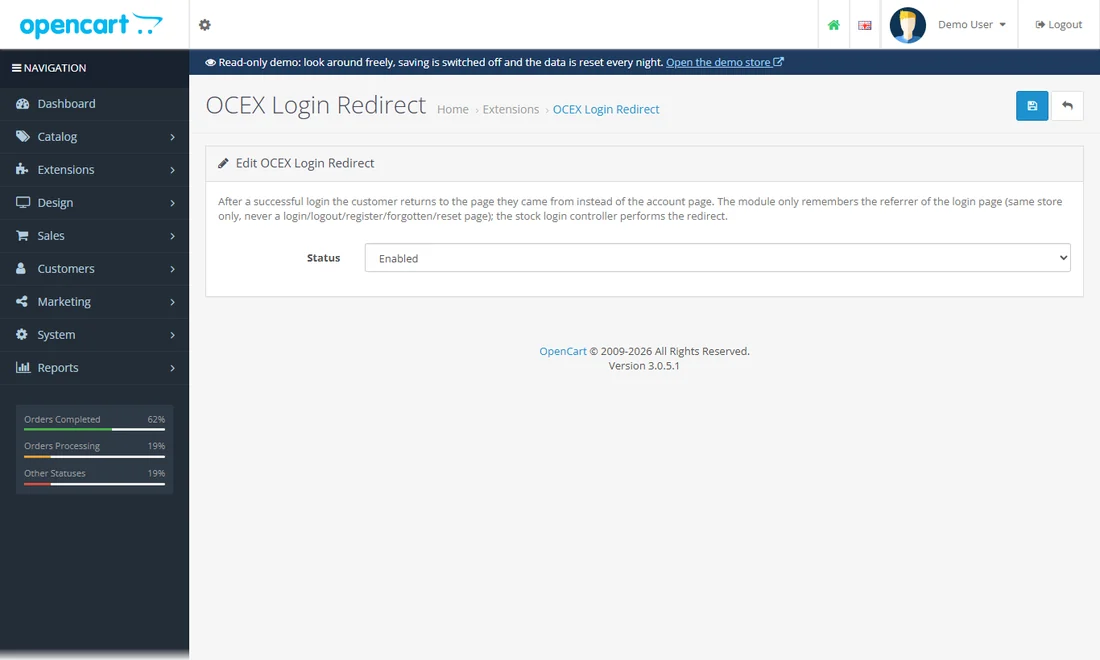
After signing in the customer returns to the page they came from, not to the account page.
Open a product page while signed out, click "Login" in the top bar and sign in as demo@example.com / demo: you land back on that product page. Without the module you would land on the account page.
Registration, accounts, partners and newsletters.
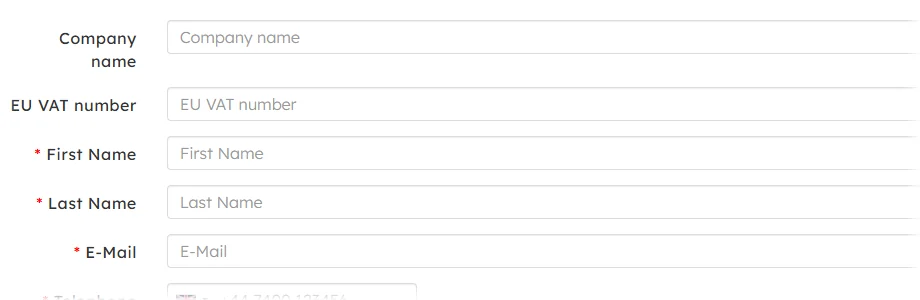
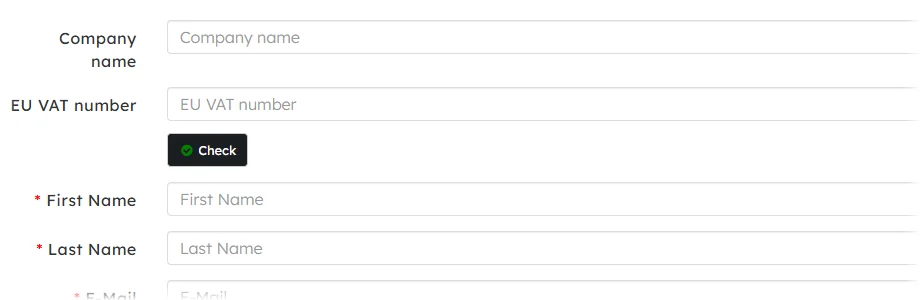
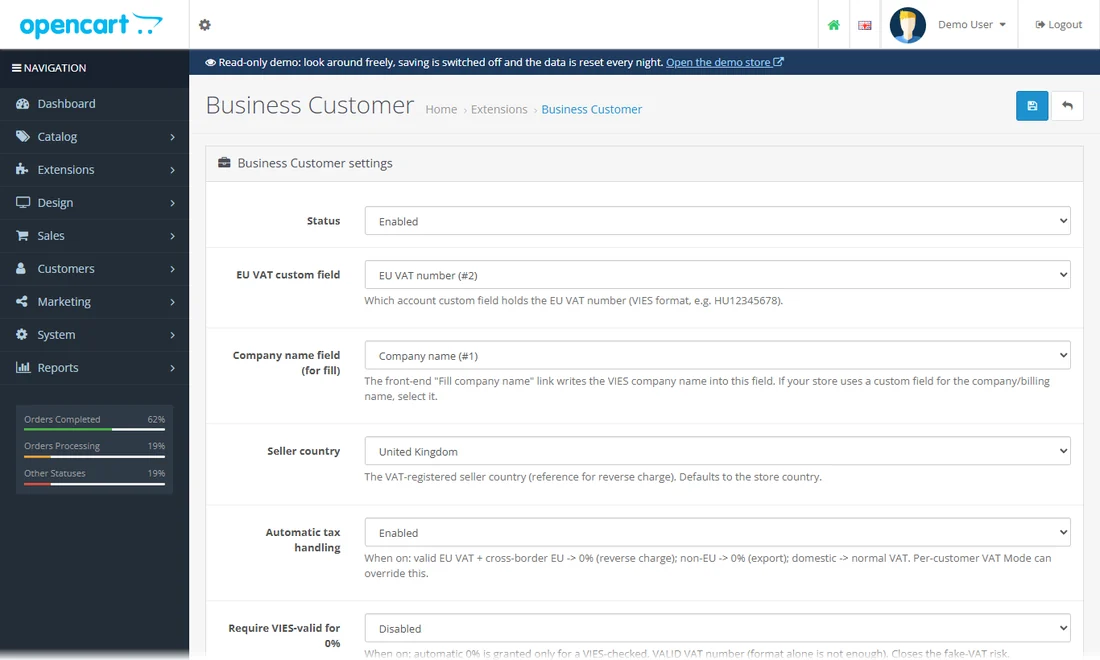
Company name and EU VAT number on registration, checked against VIES.
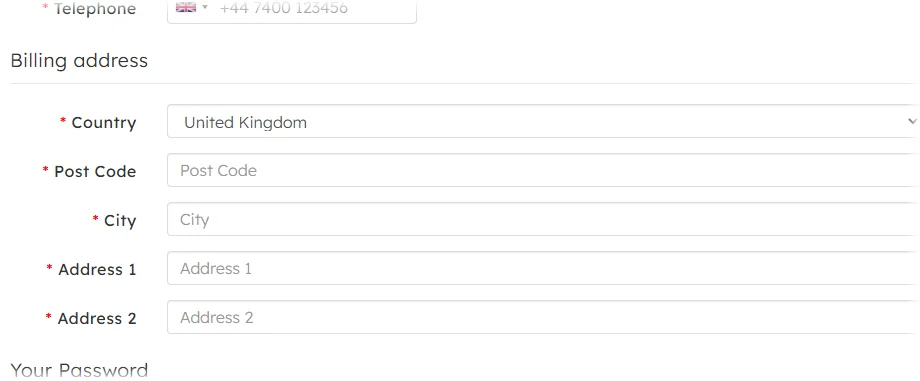
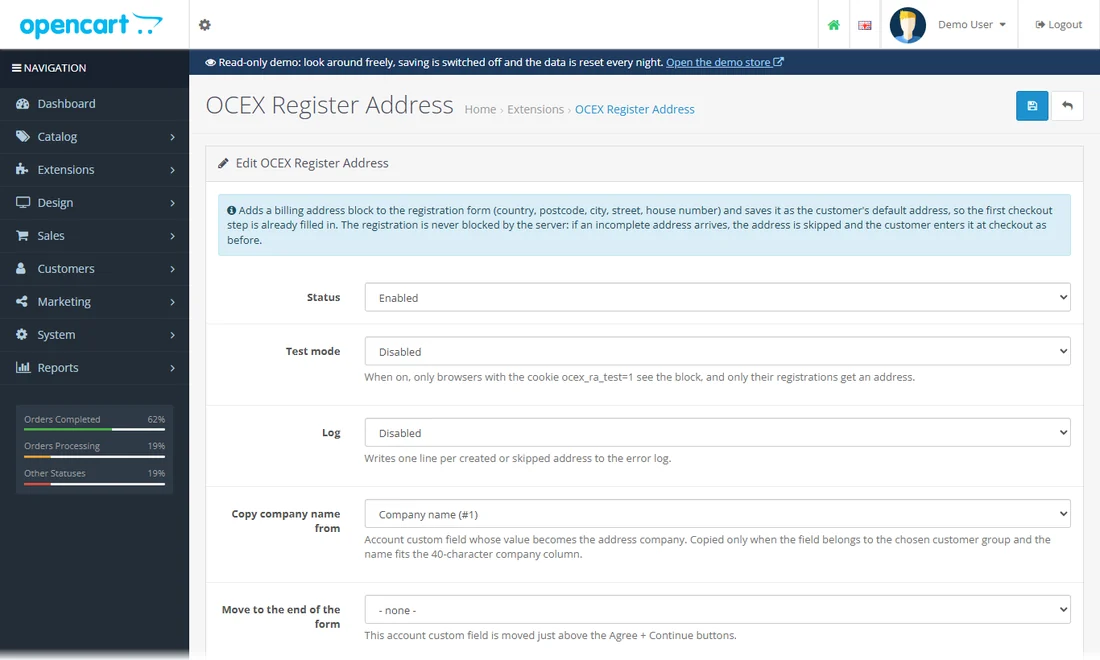
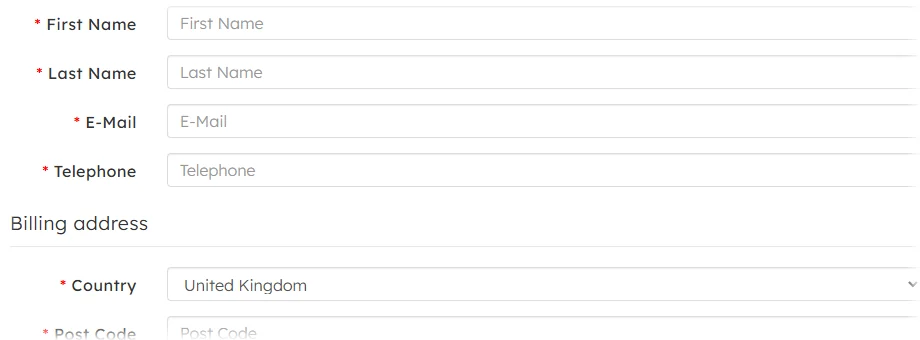
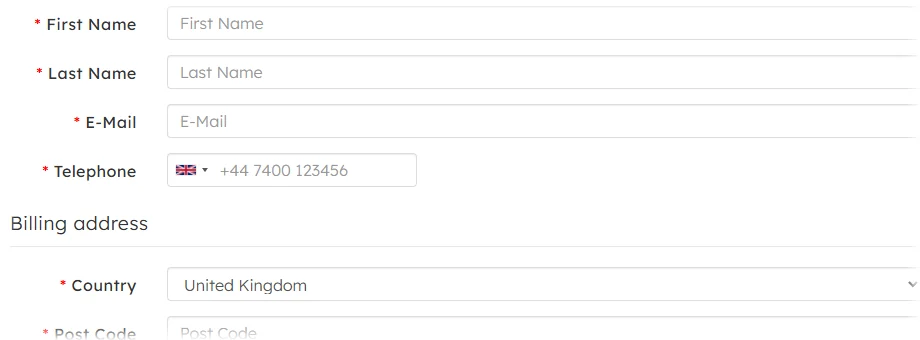
A billing address block on the registration form (with VIES lookup) saved as the default address.
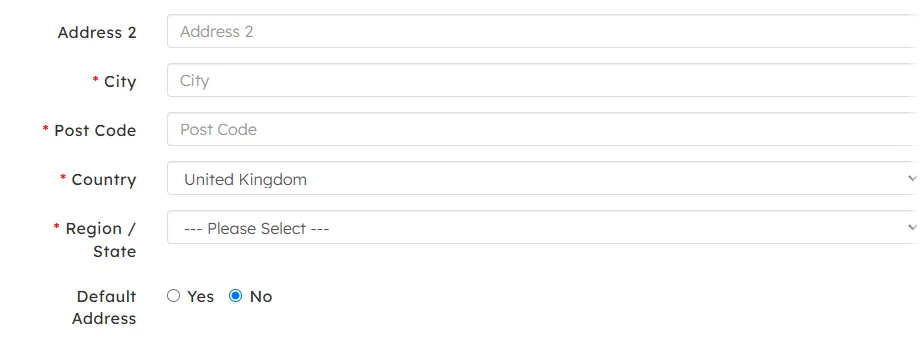
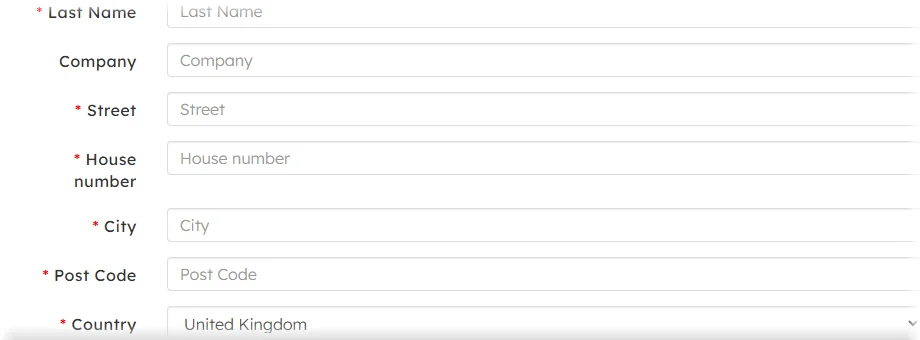
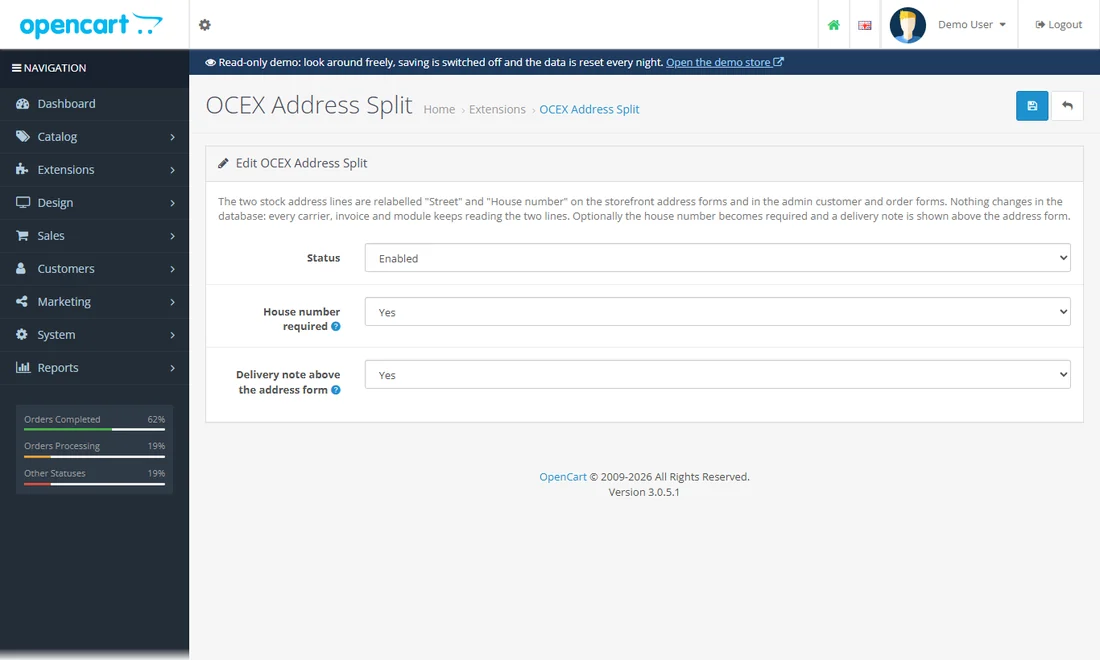
Street and house number in separate fields on every address form, plus a delivery note.
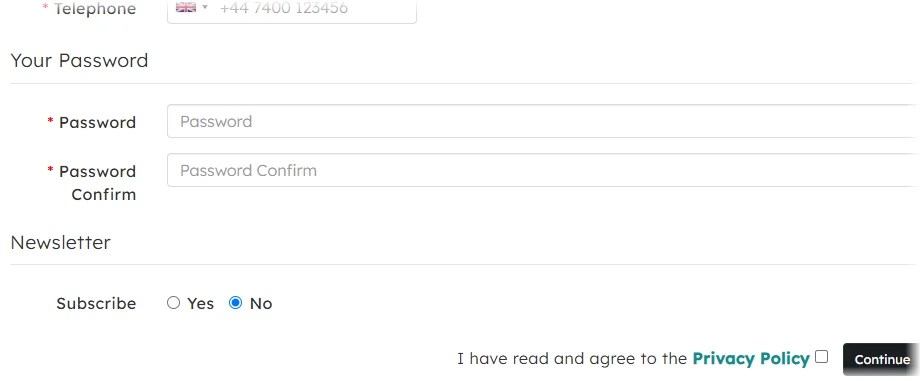
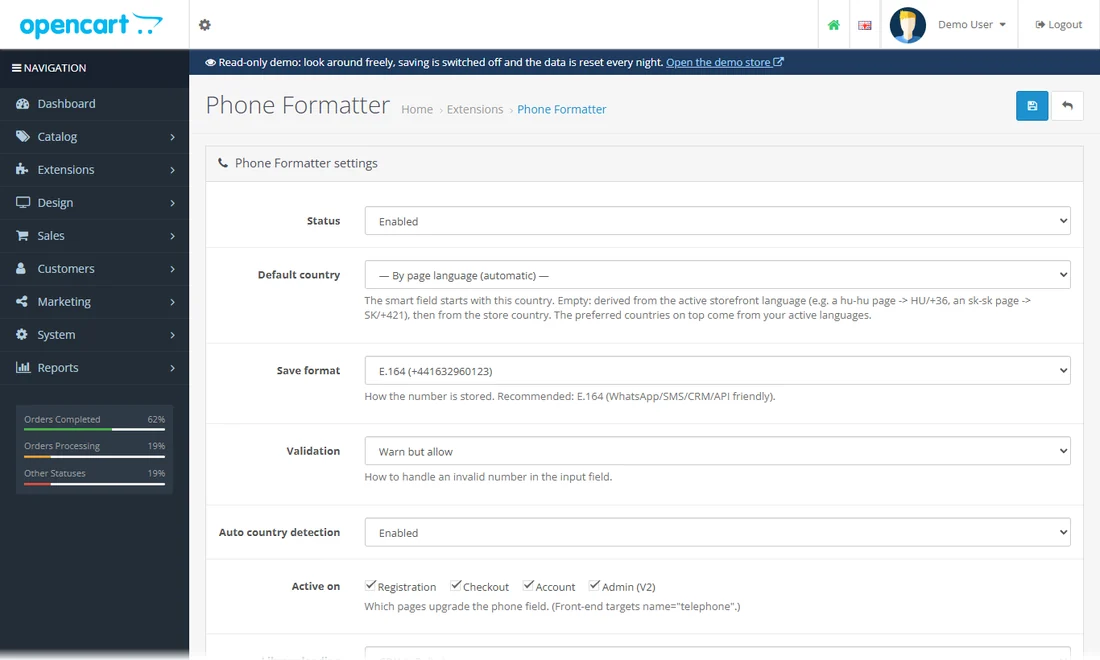
Phone fields with a country flag, validation and a standard storage format (E.164).
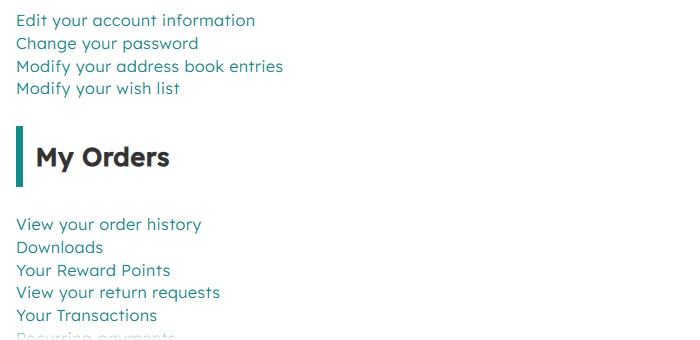
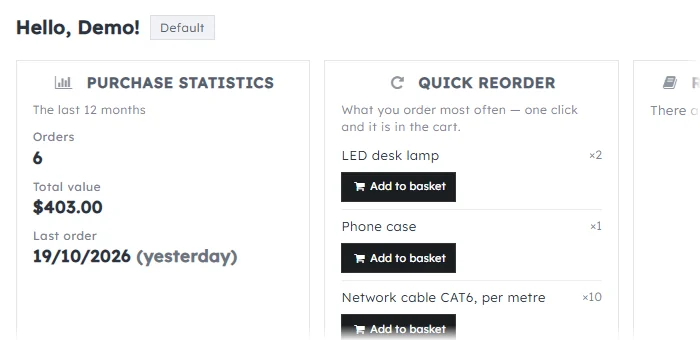
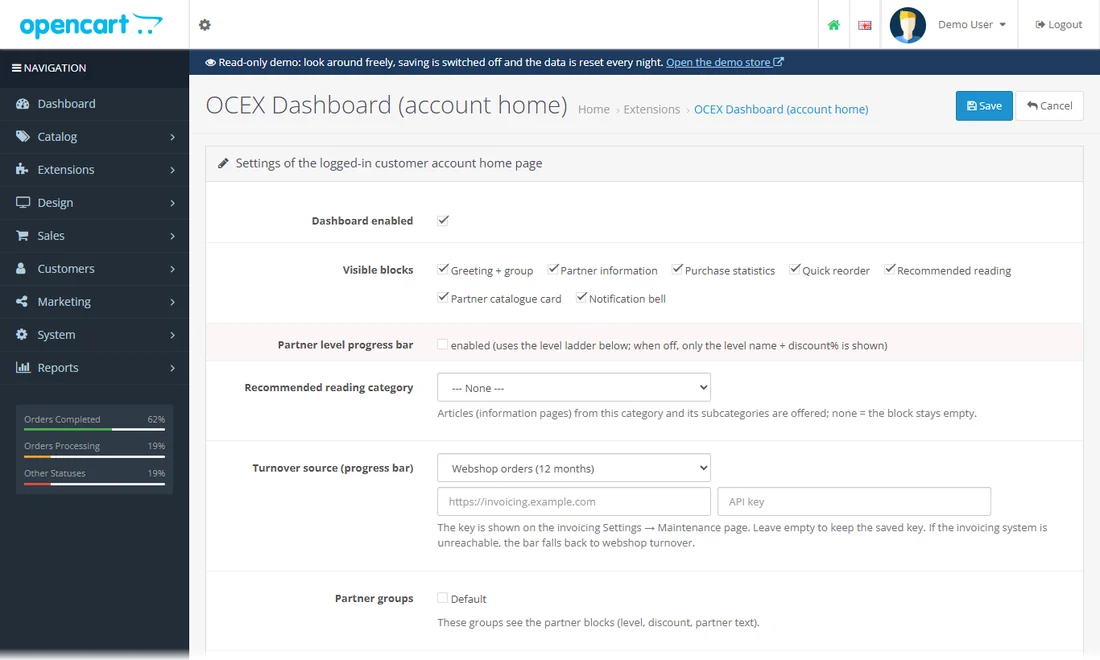
A card-style account home: orders, addresses, articles and shortcuts at a glance.
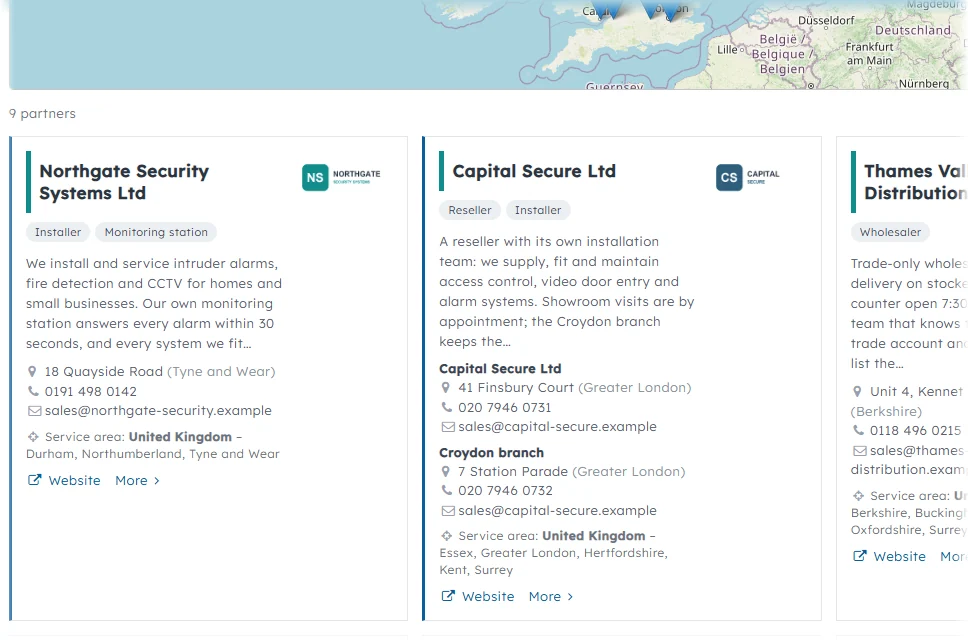
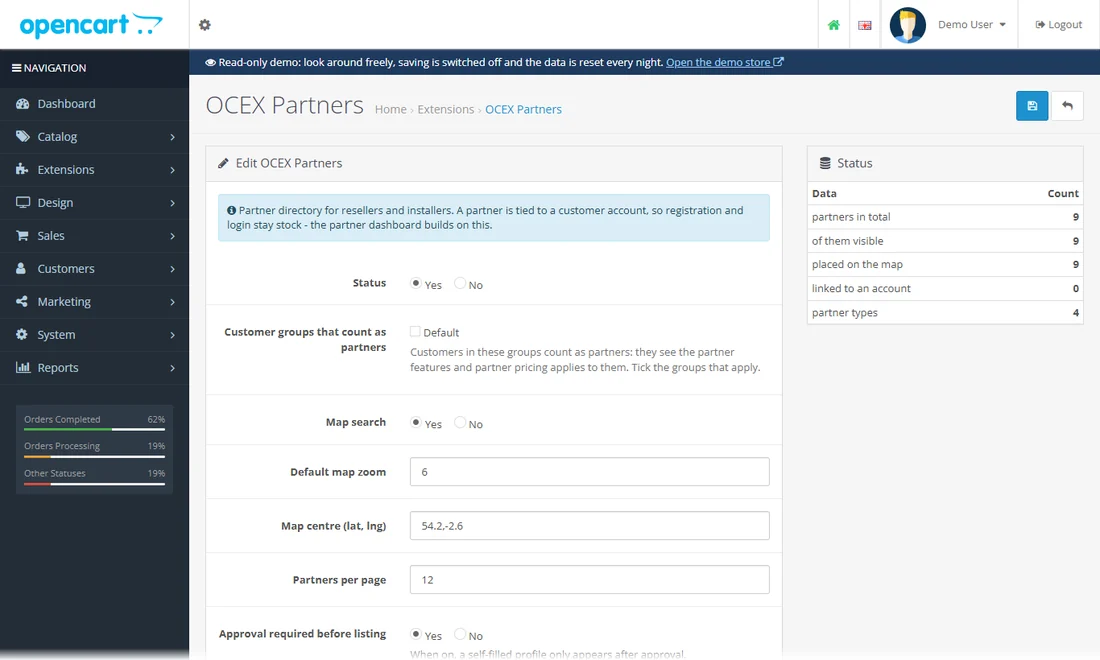
A directory of resellers and installers with a county filter, profiles and quote requests.
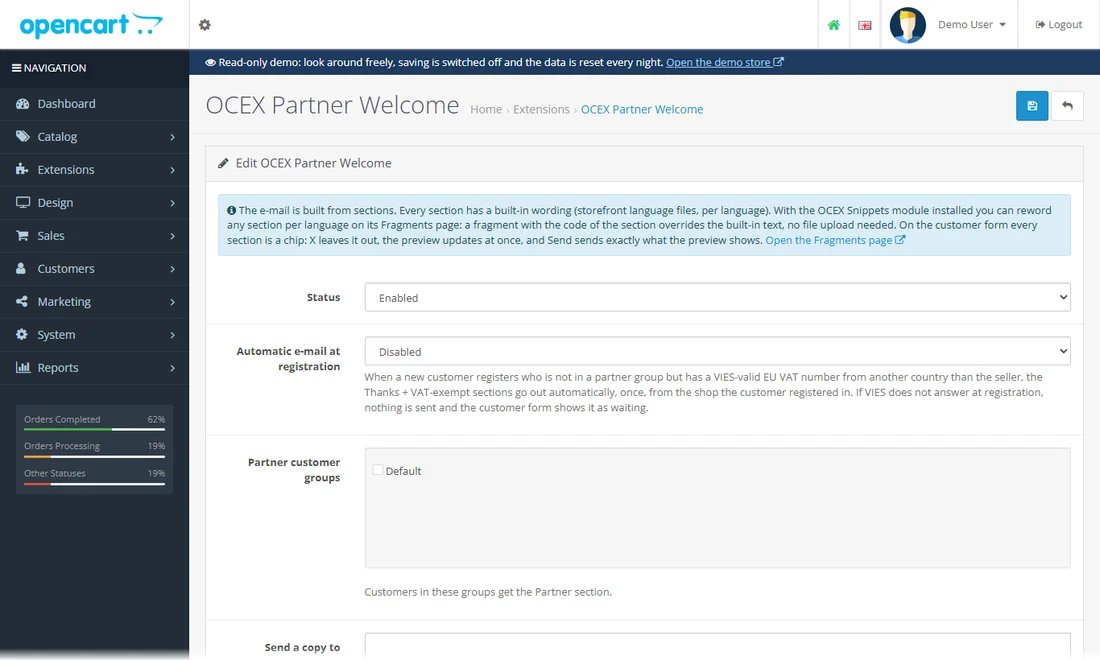
An automatic welcome e-mail series for new partners, with a test mode.
Open the module: the e-mail is built from sections, each can be reworded per language with the Content Blocks module. On a customer form every section is a chip you can leave out, and the preview shows exactly what would be sent. (No mail leaves the demo.)
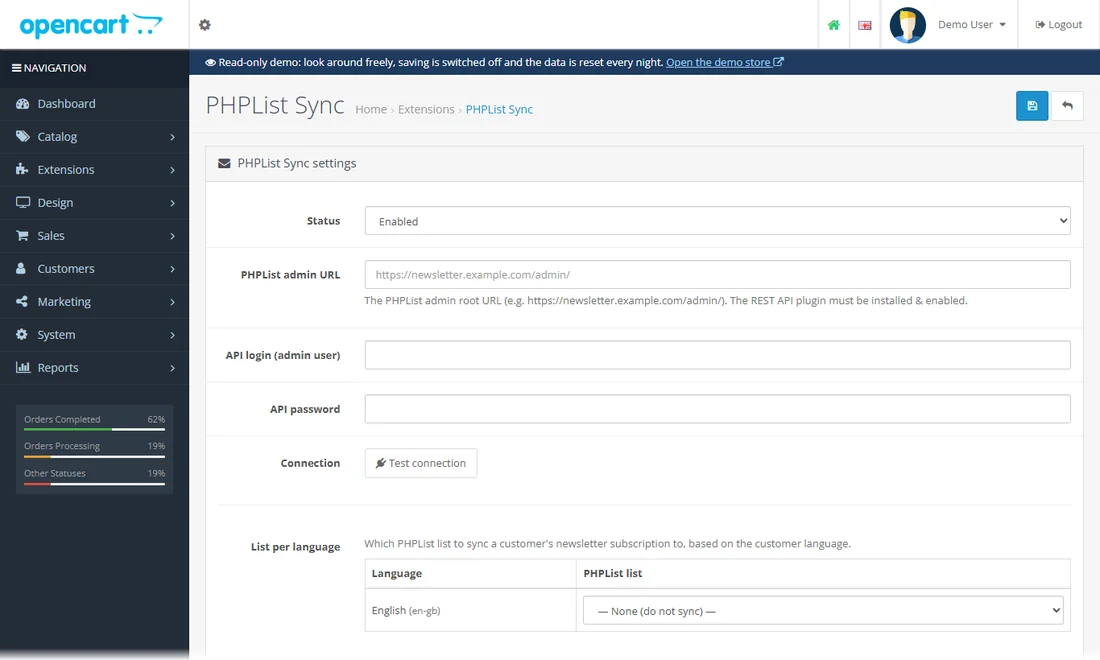
Newsletter subscribers are synced to the matching phpList list for their language.
Open the module: connection to your phpList server (with a test button), one phpList list per shop language, logging and an unsubscribe-sync URL for cron. The demo has no phpList server connected.
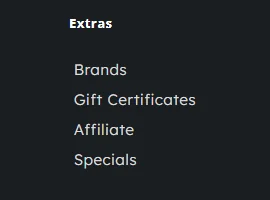
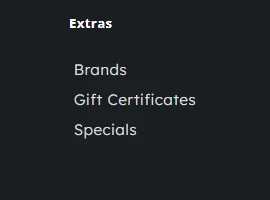
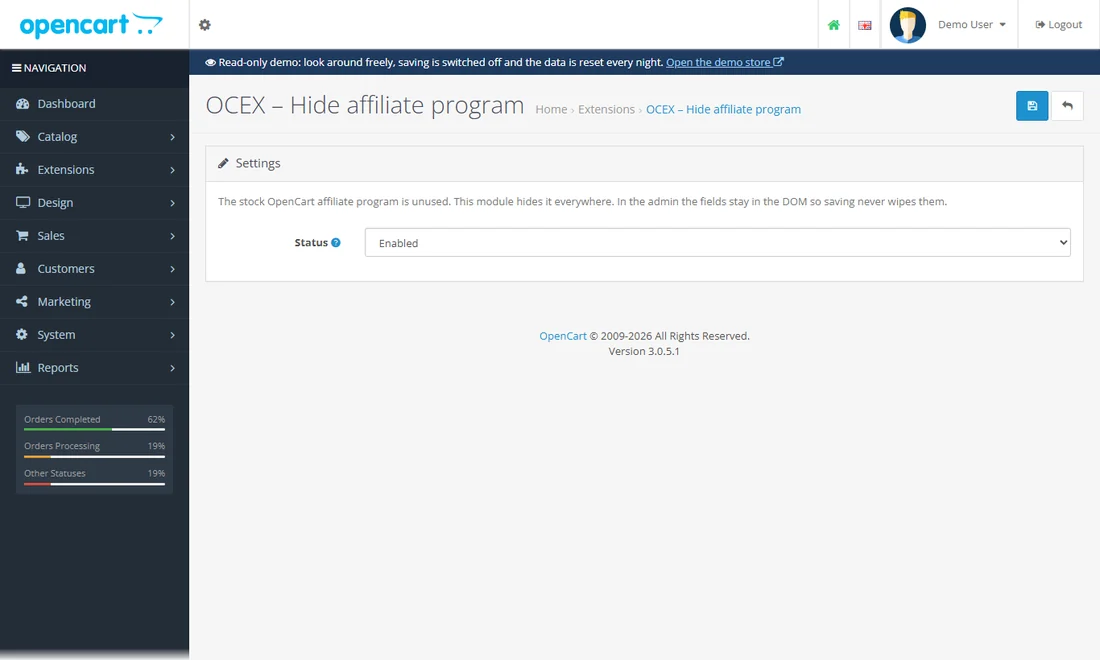
Hides the unused stock affiliate programme everywhere; no data is deleted.
Spam, consent and privacy.
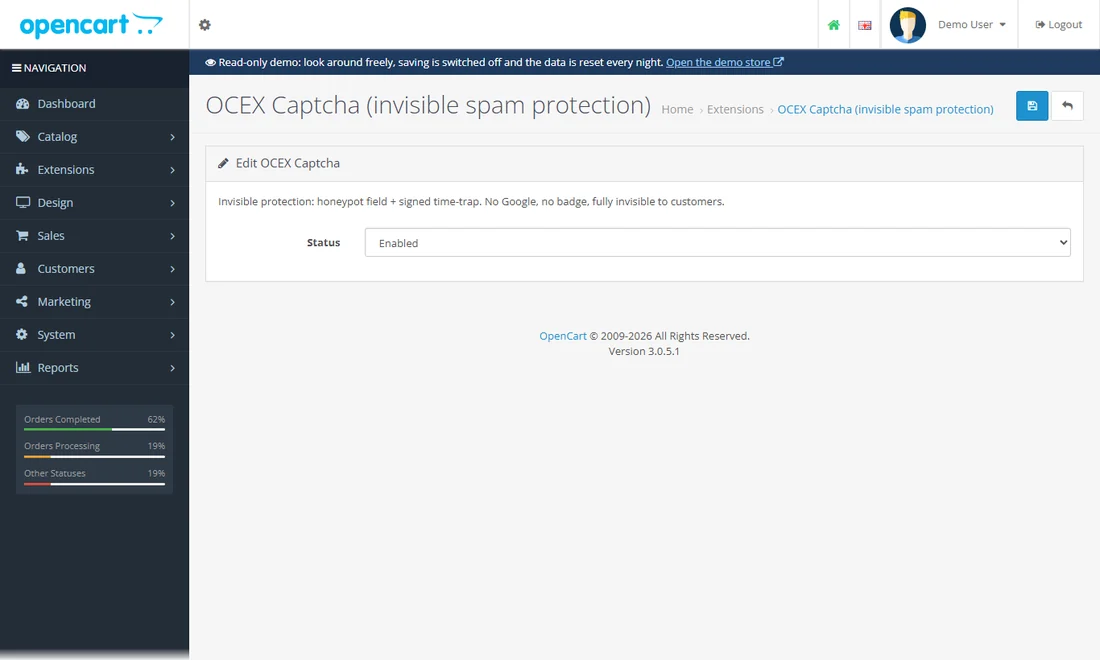
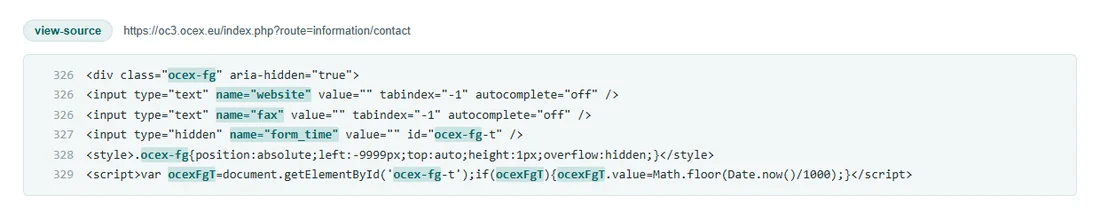
Spam protection that needs no puzzle: a honeypot field and a signed time trap. No Google, no badge.
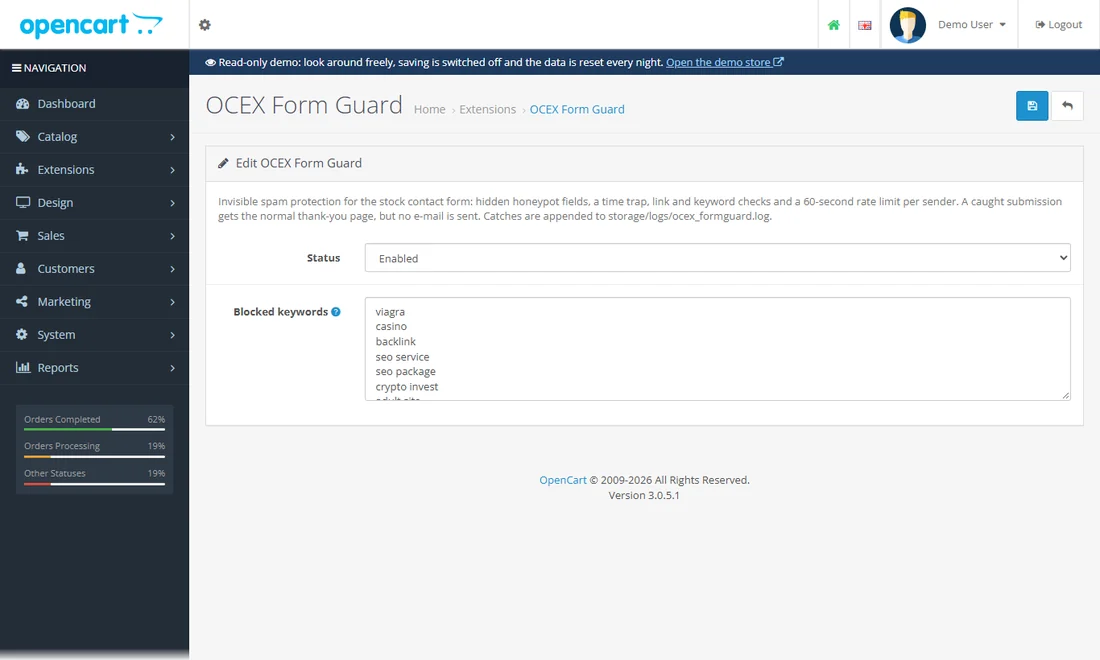
Honeypot, time trap, link and keyword checks and a rate limit for the stock contact form.
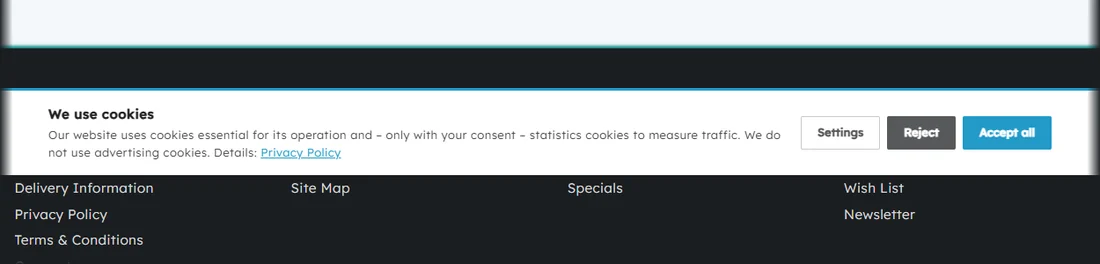
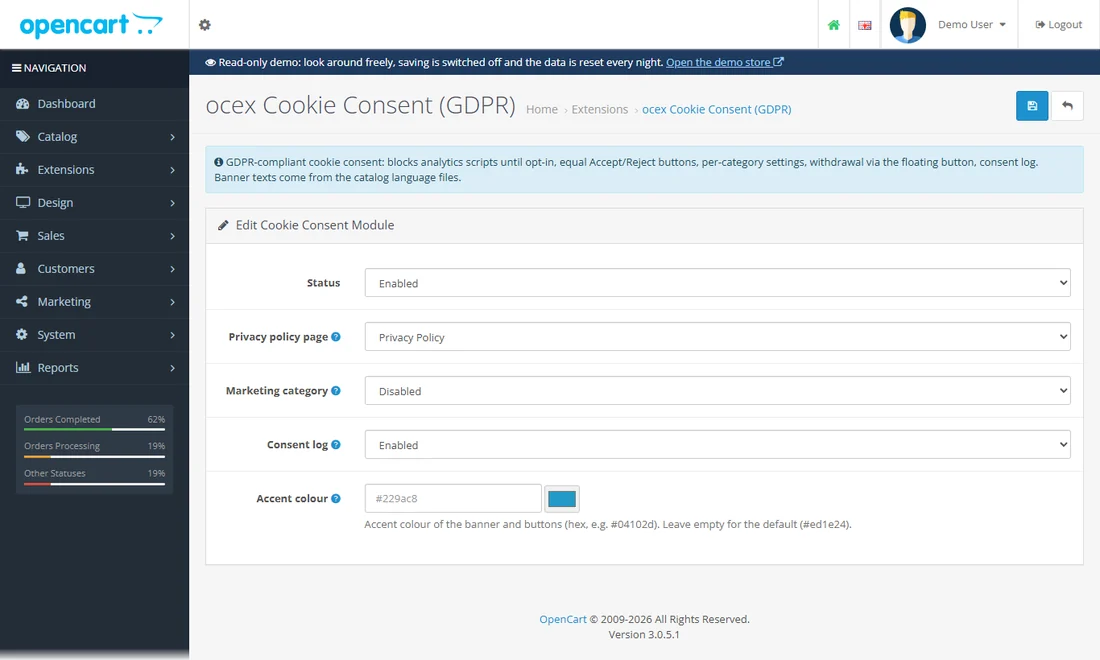
GDPR consent banner: equal Accept and Reject buttons, per-category settings and a consent log.
Small helpers for whoever runs the shop.
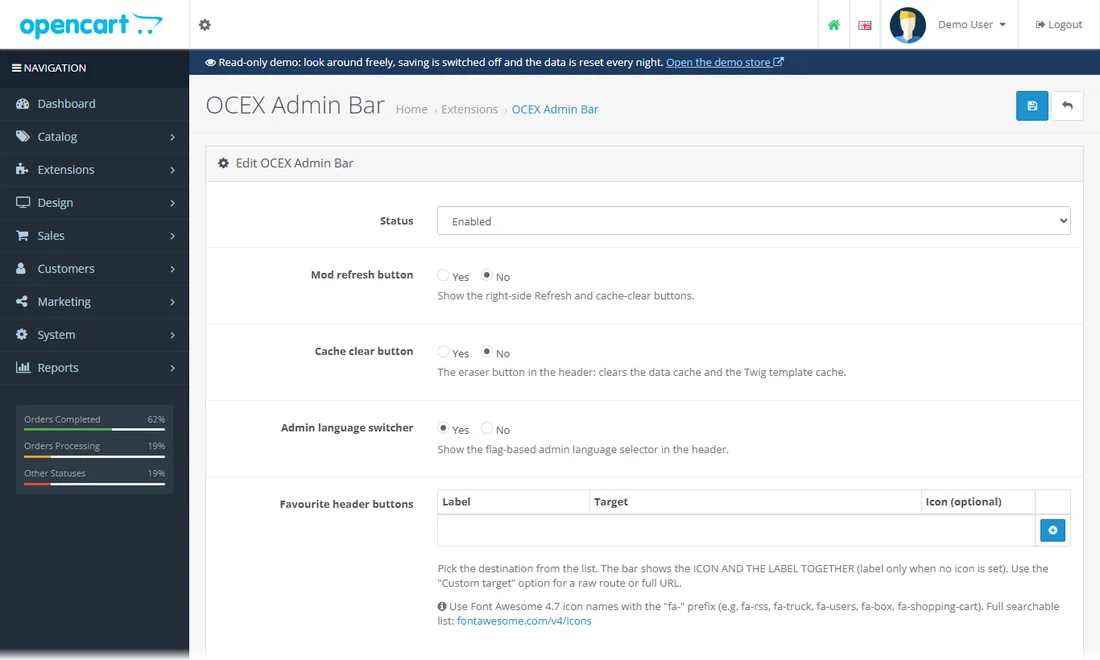
A quick-access bar in the admin with your favourite pages, cache clear and refresh.
Sign in to the admin (demo / demo): the bar sits at the top of every page with your favourite pages, the cache and refresh buttons and a language switch.
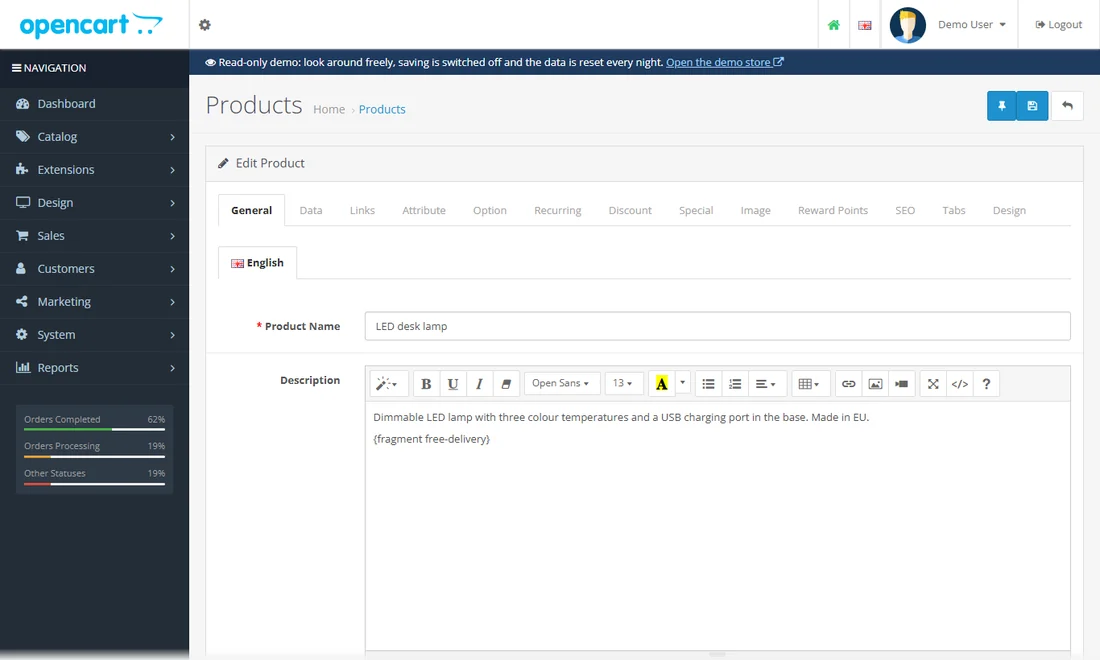
A pin button next to Save on every admin form: save and keep editing.
Open any product in the admin: next to the blue Save button sits a pin. It saves and keeps you on the form. (Saving is switched off for the read-only demo account.)
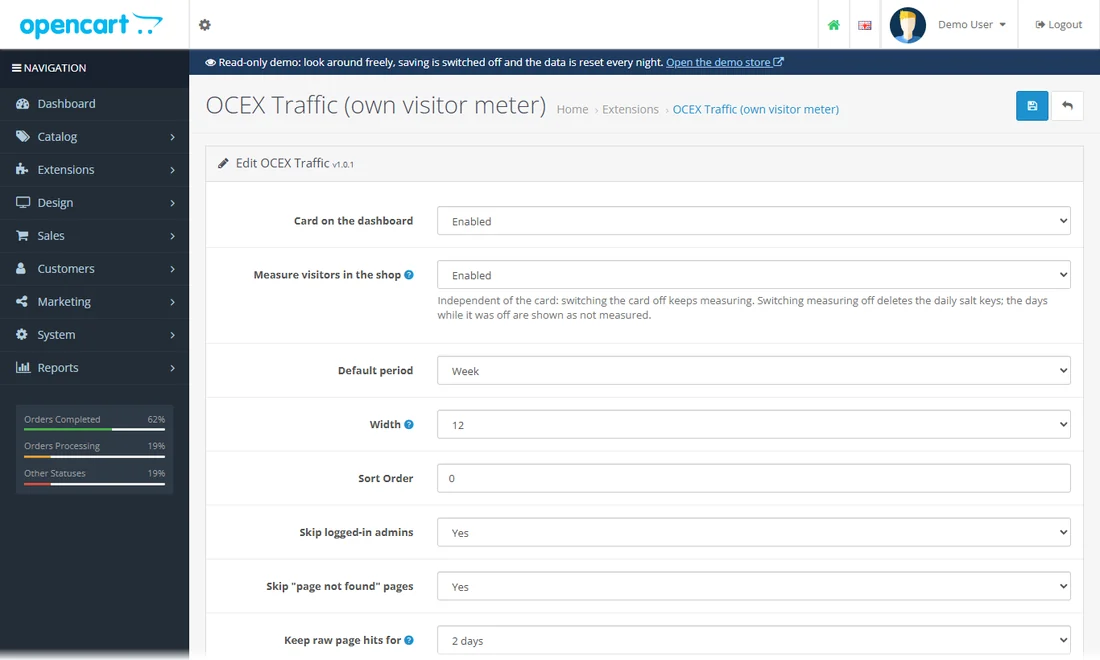
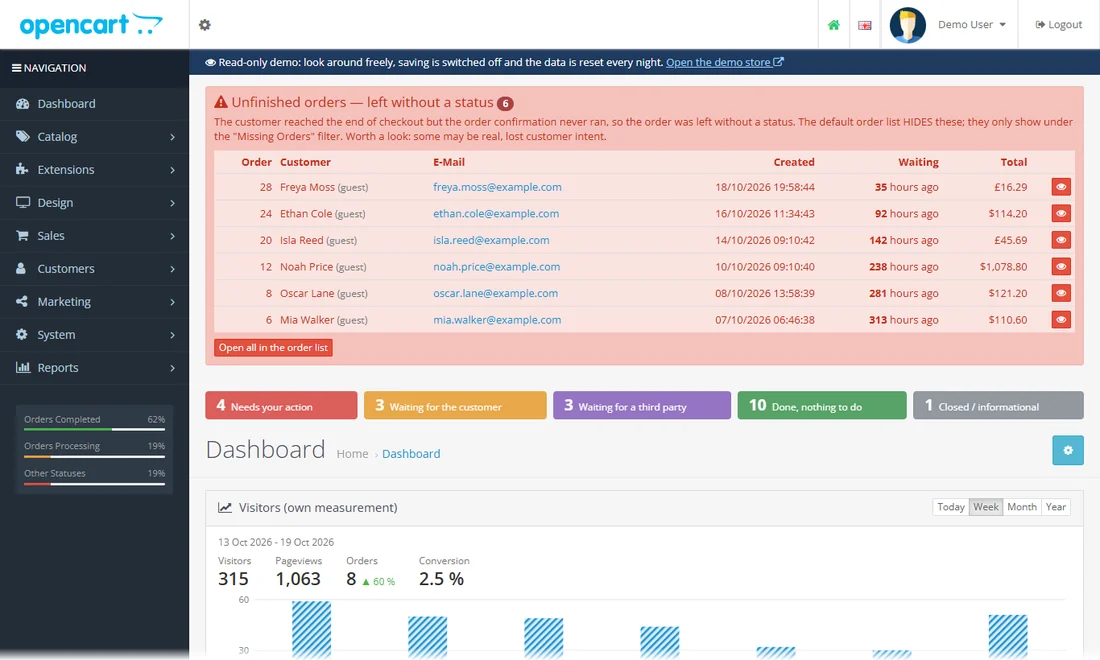
Your own visitor counter on the dashboard: no cookies, no local storage, no third party.
Open the admin dashboard: the Traffic tile counts visitors and page views from the shop itself, without any cookie or external script.
Choose what you consent to, category by category. You can change your decision at any time using the cookie button in the bottom left corner. Details: Privacy Policy
Essential for the basic operation of the website (login, cart, language and currency). Cannot be disabled.
Google Analytics – aggregated traffic statistics used to improve the site. Loaded only with your consent.