
Setting up your new iMac in 10 minutes
From the box to a working desk: five steps and three tips for the first day.
- 1 min read
- 28/09/2026
- Manufacturer: Apple
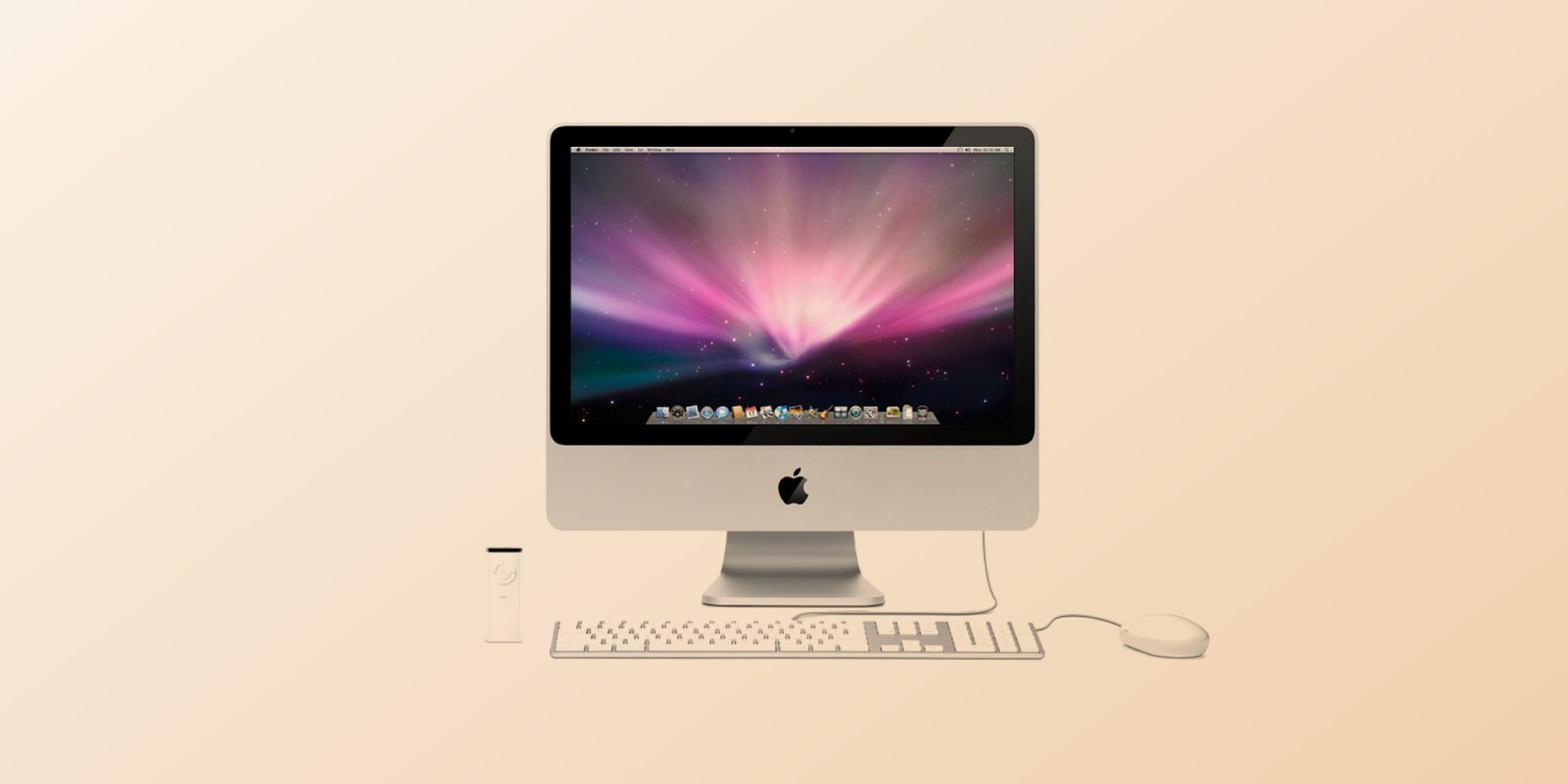
The iMac comes out of the box almost ready. These ten minutes are all you need to go from the packaging to a working desk.
Before you start
Clear a spot with a power outlet within reach and keep the wireless keyboard and mouse from the box close. You will also need your Wi-Fi password and, if you have one, your account name.
The setup
- Remove the film from the screen and plug in the power cable.
- Switch the keyboard and the mouse on; they pair by themselves.
- Choose the language and the country, then join your Wi-Fi network.
- Sign in with your account or create a new one.
- Let the first update finish before you install anything else.
First-day tips
Set the screen brightness to the room, turn on automatic backups and put the apps you use every day into the dock. That is it - the rest you learn while you work.
Related Articles
How to clean a laptop screen safely
- 30/08/2026
Four steps, one soft cloth and three things to keep away from the screen.
Read MoreRelated Products
iMac
Just when you thought iMac had everything, now there´s even more. More powerful Intel Core 2 Duo pro..
$120.00 Ex Tax: $100.00