
Laptop buying guide: what really matters
Screen, memory, storage and battery in plain words, with a checklist you can use in the shop.
- 2 min read
- 12/10/2026
A laptop is the one gadget you use for work, study and fun at the same time, so the price tag tells you little. This guide shows what to check first and what you can safely ignore.
Start with how you will use it
Write down the three things you will do most: browsing and documents, photo editing, or a bit of everything on the sofa and on the train. Light use is happy with almost any current model; the heavy jobs are what decide the price.
- Office and web: any modern dual-core processor or better, 8 GB of memory.
- Photo and light video: a faster processor, 16 GB of memory and a bright, accurate screen.
- Travel: a weight under 1.5 kg and a battery that really lasts a working day.
Screen: size, resolution and brightness
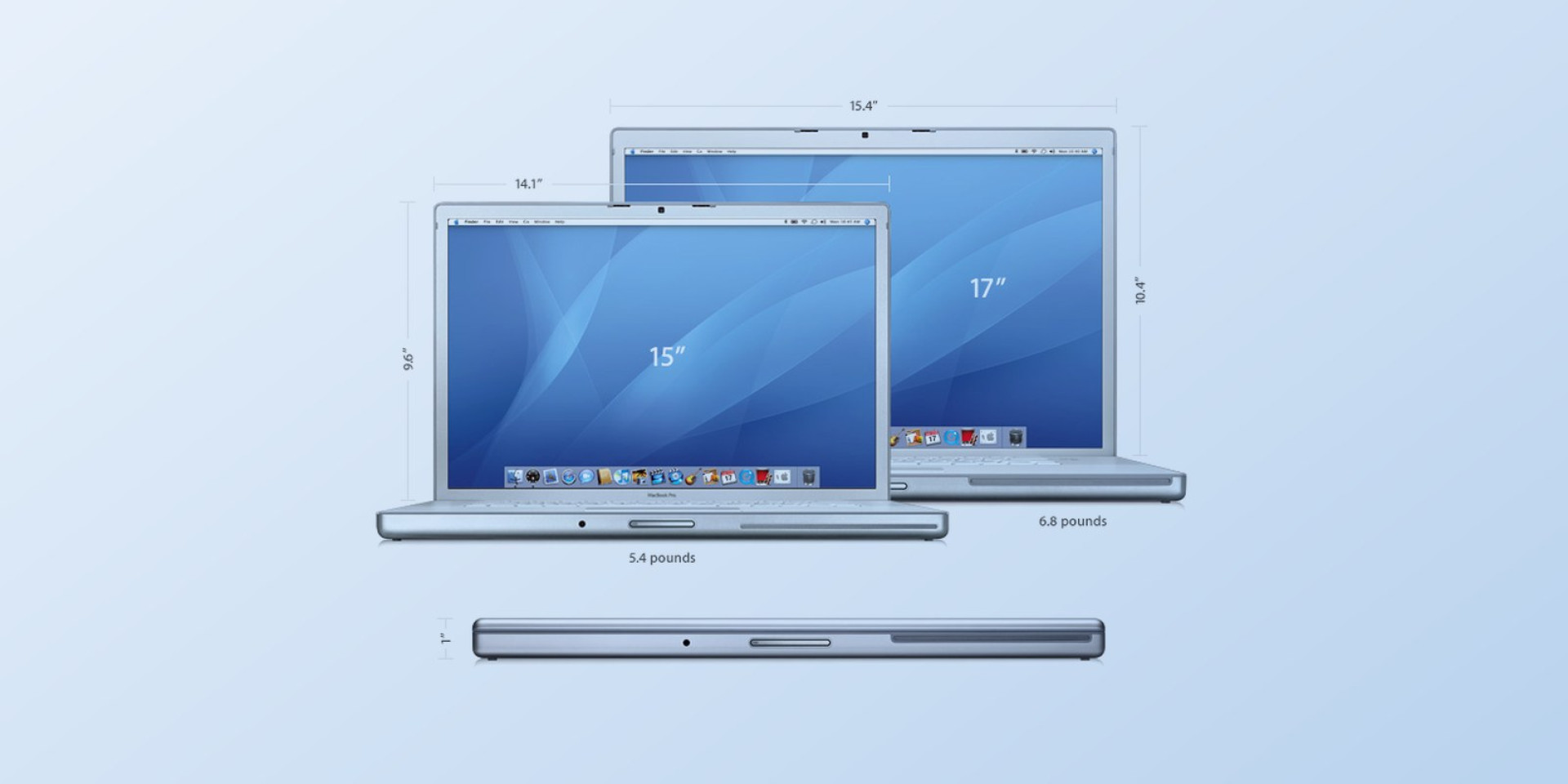
You look at the screen all day, so this is the one place not to save. A 13" panel is easy to carry, 15" is comfortable on a desk and 17" is a small desktop. Look for at least full HD, and for a brightness around 300 nits if you ever work near a window.
Memory and storage
Memory decides how many things can be open at once, storage decides how much you can keep. An SSD makes any laptop feel quick; a hard disk does not. Treat 8 GB / 256 GB as the minimum and 16 GB / 512 GB as the comfortable choice.
| Use | Memory | Storage |
|---|---|---|
| Office and web | 8 GB | 256 GB SSD |
| Study and light photo work | 16 GB | 512 GB SSD |
| Video and big projects | 32 GB | 1 TB SSD |
Battery life that matches the label
Manufacturer figures come from light tests. Count on 60–70 % of the number on the box in daily use, and look at the charger: USB-C charging means one cable for the laptop and the phone.
Rule of thumb: if the label says 10 hours, plan for 6–7.
Ports, keyboard and everything else
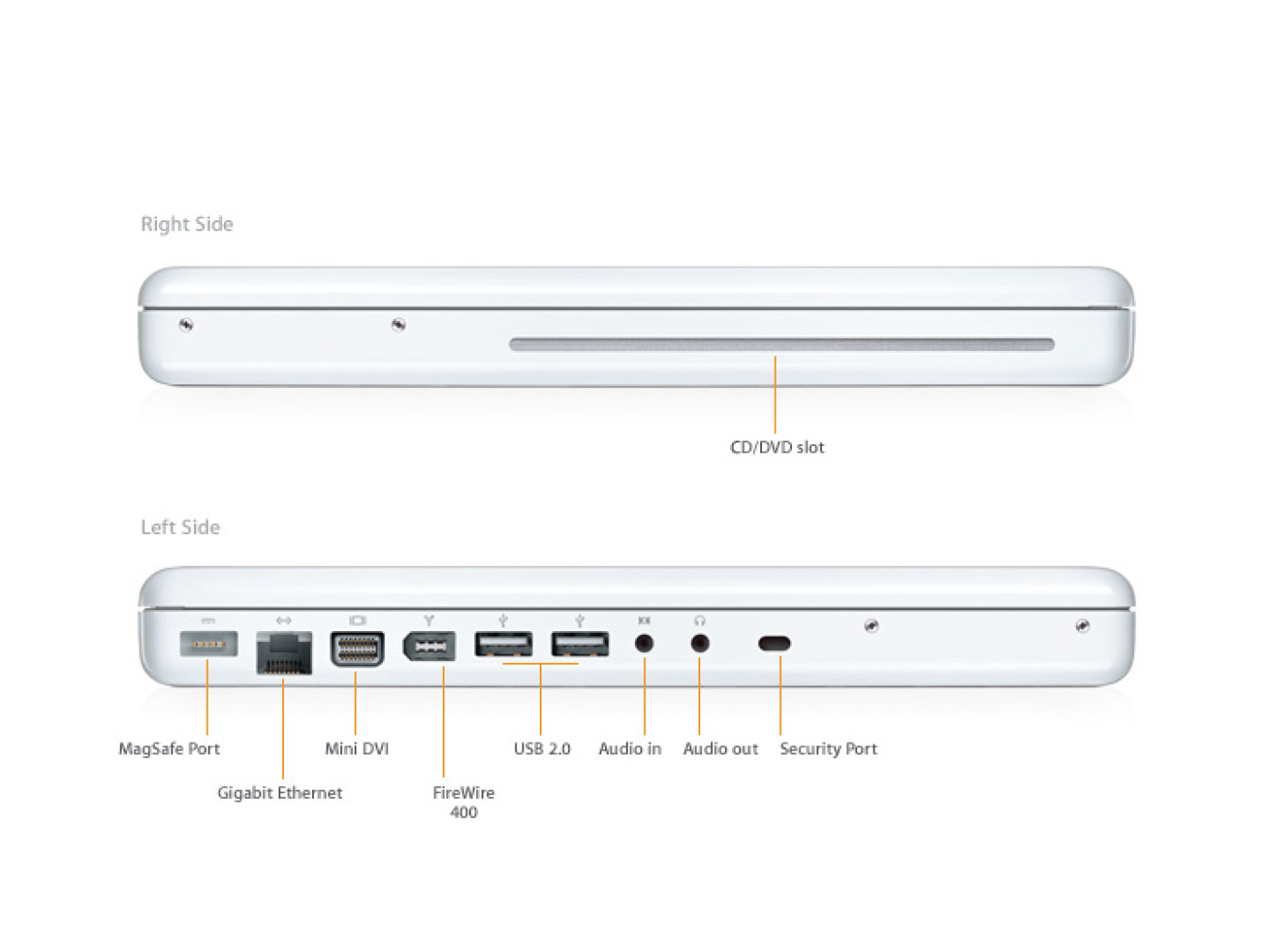
Type on the keyboard in the shop for a minute; a bad keyboard cannot be fixed later. Count the ports you need - USB-A, USB-C, HDMI, a card reader - and buy a small hub only if one is missing.
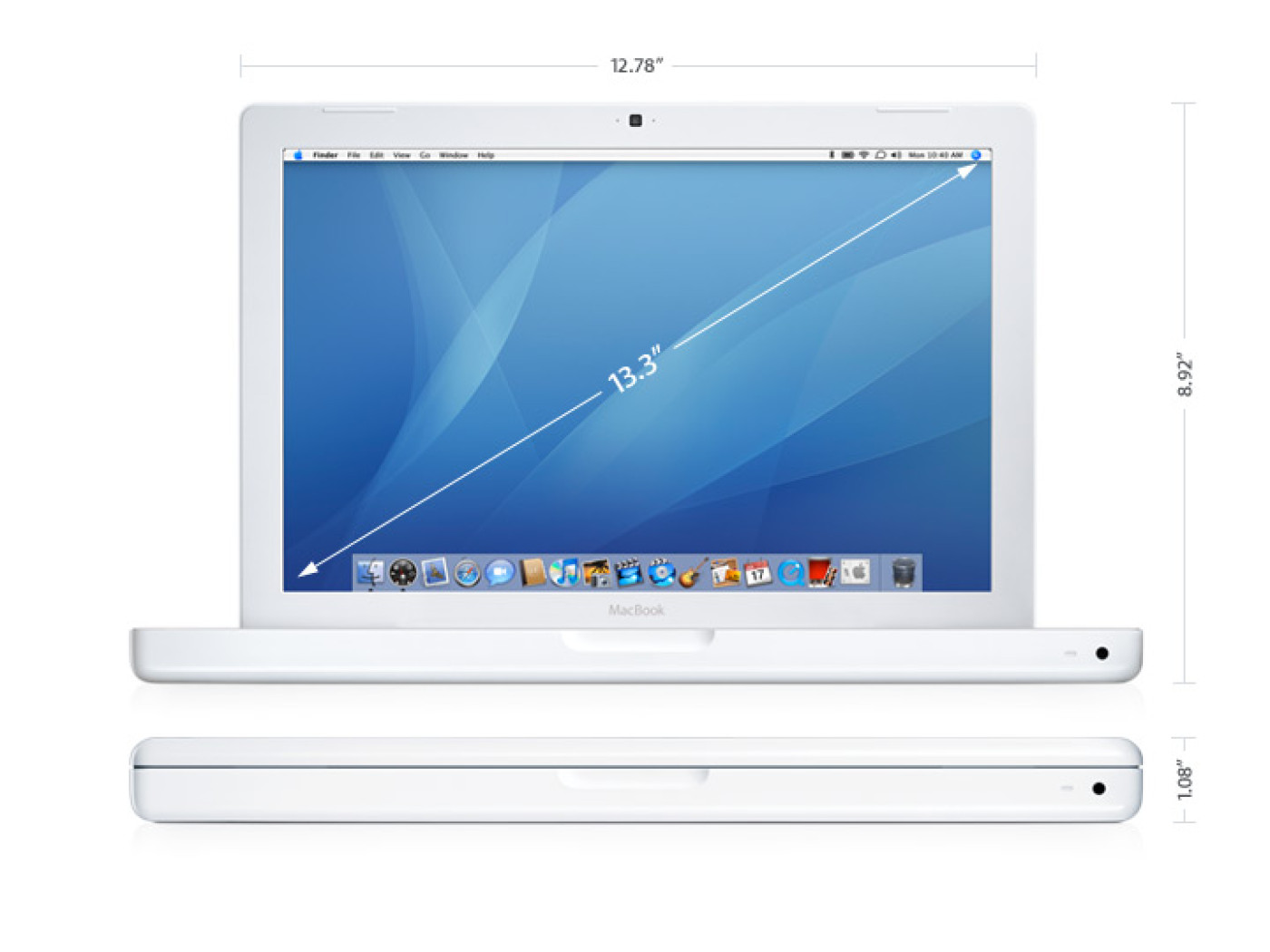
Want to see real models? Have a look at the MacBook and the MacBook Air in the demo store.
A 60-second checklist
- Is the screen bright and sharp enough for your room?
- Is there at least 8 GB of memory and an SSD?
- Does the battery claim look realistic for your day?
- Do you like the keyboard?
- Are the ports you use every day on board?
Images
Related Articles

MacBook vs MacBook Air: which one fits you?
- 05/10/2026
Both are thin and quiet, but they are built for different days. Here is how to pick.
Read More
Tablet or laptop: what to buy for studying & notes
- 08/10/2026
A tablet is light and cheap to run, a laptop is easier for long texts. When is which one right?
Read MoreRelated Products

MacBook
Intel Core 2 Duo processor Powered by an Intel Core 2 Duo processor at speeds up to 2.16GHz, the new..
$600.00 Ex Tax: $500.00
MacBook Air
MacBook Air is ultrathin, ultraportable, and ultra unlike anything else. But you don’t lose inches a..
$1,078.80 $1,200.00 Ex Tax: $899.00
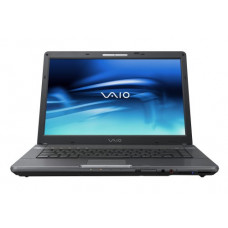
Sony VAIO
Unprecedented power. The next generation of processing technology has arrived. Built into the newest..
$1,200.00 Ex Tax: $1,000.00